

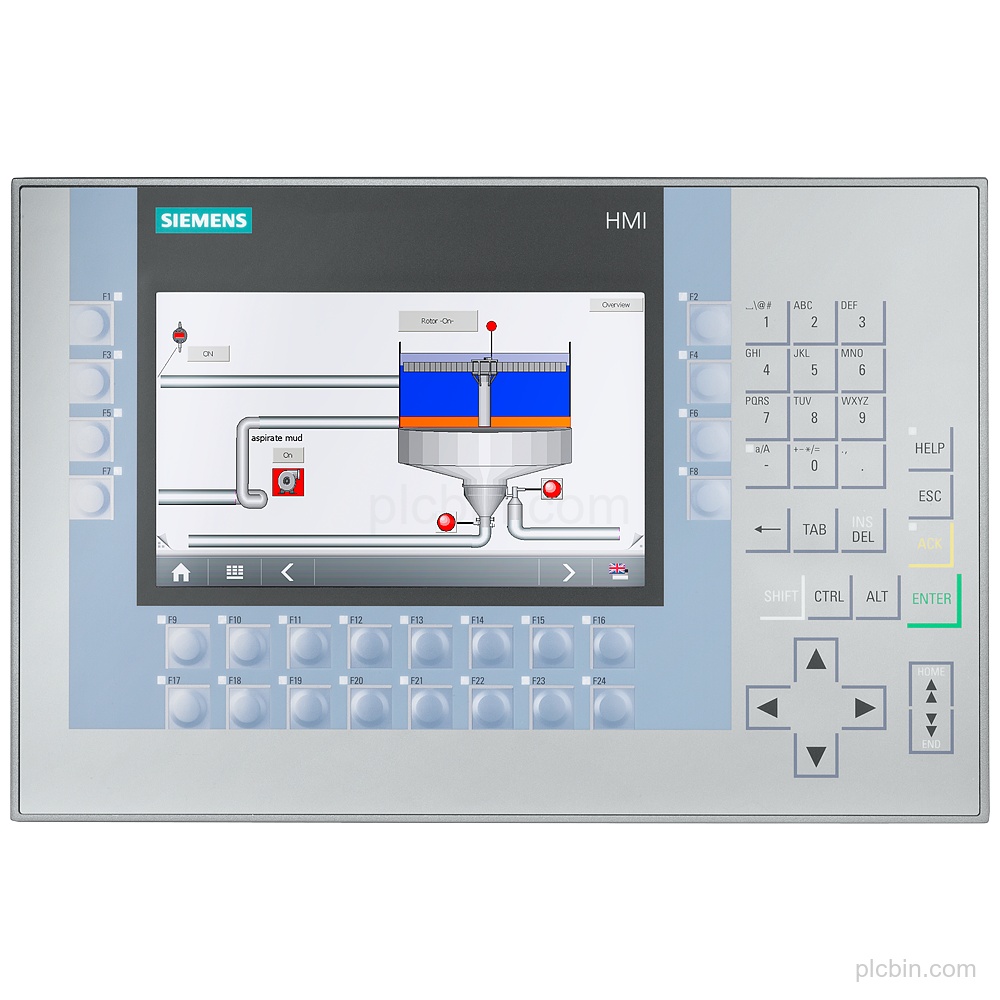
Product Description
Key Features
- SIPLUS HMI identity: SIPLUS HMI KP700 Comfort based on 6AV2124-1GC01-0AX0, with conformal coating and product lifecycle status: Announcement of product phase-out.
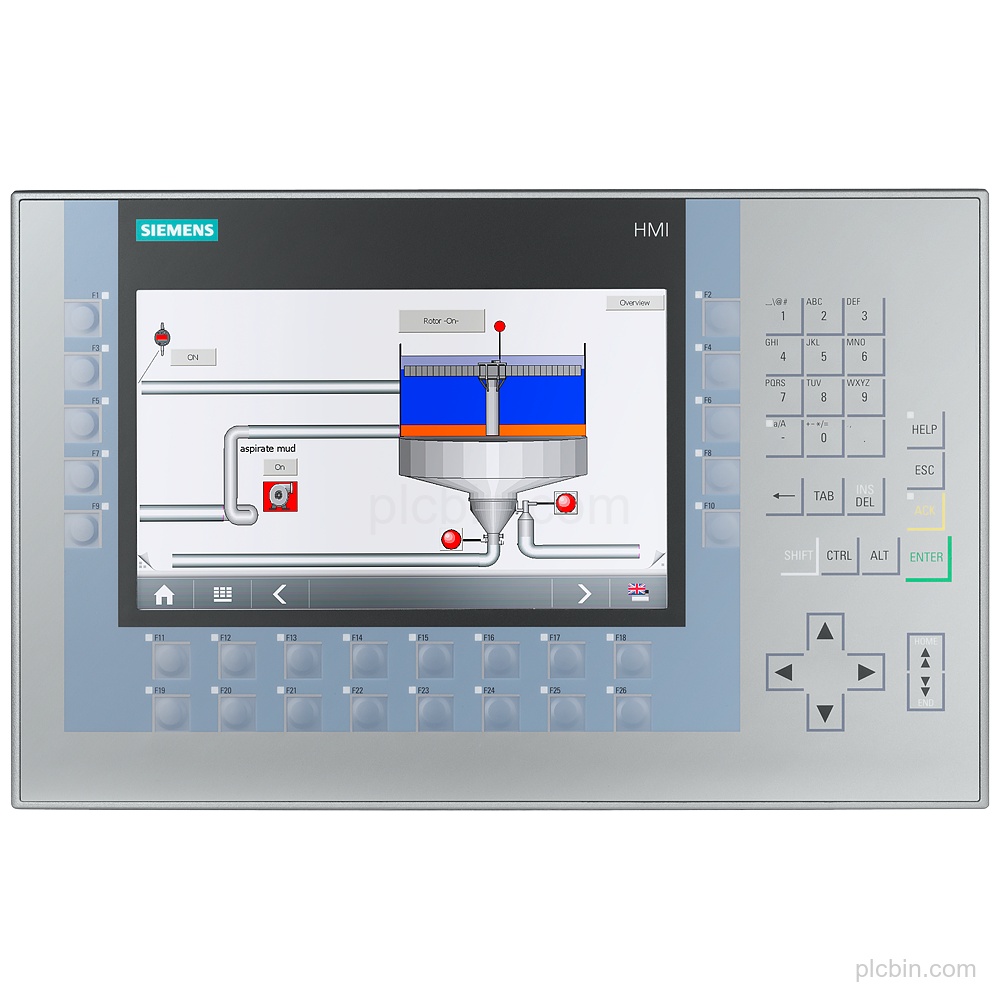
- Display and controls: 7 in TFT display with 800 x 480 pixel resolution, 16 777 216 colors, 24 function keys, 24 function keys with LEDs, numeric and alphanumeric keyboards, and no touch screen.
- Supply and memory: 24 V DC rated supply with a permissible range of 19.2 V to 28.8 V, 0.5 A rated current consumption, 12 W typical active power input, 12 Mbyte user-data memory, and X86 processor.
- Interfaces and protocols: 1 industrial Ethernet interface with 2 switch ports, 1 combined RS 422 / 485 interface, 2 USB 2.0 interfaces, 2 SD card slots, PROFINET, PROFIBUS, EtherNet/IP, MPI, and MODBUS.
- Mounting and protection: Vertical mounting with landscape format possible, 308 mm housing-front width, 204 mm housing-front height, 282 mm x 178 mm mounting cutout, IP65 at the front, and IP20 at the rear.
- Operating configuration: Windows CE pre-installed; WinCC Comfort, WinCC Advanced, and WinCC Professional (TIA Portal) supported from V11; message, alarm, process-value display, recipe-management, web-browser, and PDF Viewer functions available.
Applications
- Message and alarm handling: The device supports message indication, alarm systems with buffer and acknowledgment, bit and analog messages, message archives, and alarm views.
- Process-value visualization: The device supports process-value display, process-value defaults, process-value archives, trend views, and configurable images.
- Recipe management: The device supports recipe management with 300 recipes, 500 data records per recipe, and 1 000 entries per data record.
Technical Summary
| Product model | 6AG1124-1GC01-4AX0 |
|---|---|
| Product type | KP700 Comfort |
| Based on | 6AV2124-1GC01-0AX0 |
| Display | 7 in TFT; 800 x 480 pixel |
| Function keys | 24; 24 with LEDs |
| Supply | 24 V DC; permissible range 19.2 V to 28.8 V |
| Industrial Ethernet | 1 interface; 2 ports (switch) |
| USB | 2 USB 2.0 interfaces; 1 USB Mini B, 5-pole |
| Protection | IP65 at the front; IP20 at the rear |
| Mounting cutout | 282 mm x 178 mm |
| Lifecycle | Announcement of product phase-out |
Frequently Asked Questions
What display and keypad configuration does 6AG1124-1GC01-4AX0 have?
It has a 7 in TFT display with 800 x 480 pixel resolution, 24 function keys, 24 function keys with LEDs, numeric and alphanumeric keyboards, and no touch screen.
What supply voltage does this SIPLUS HMI use?
The supply is 24 V DC, with a permissible range of 19.2 V to 28.8 V.
Which interfaces should be checked for an installed-part match?
Check the 1 industrial Ethernet interface with 2 switch ports, 1 combined RS 422 / 485 interface, 2 USB 2.0 interfaces, 1 USB Mini B, 5-pole, and 2 SD card slots.
What mounting dimensions should be confirmed?
Confirm the vertical mounting position, 282 mm x 178 mm mounting cutout, 63 mm mounting depth, and 308 mm x 204 mm housing-front dimensions.