
Quality and Delivery

Siemens Automation Parts Identification Support

Guidance for confirming Siemens models, part numbers and system details before requesting quotes for legacy and hard-to-find automation spares.

  • RFQ-based responseQuotation timing follows the completeness of the request
  • PI confirmationModel, quantity, condition and terms checked before payment
  • Order-specific checksIdentification and physical condition checked before packing
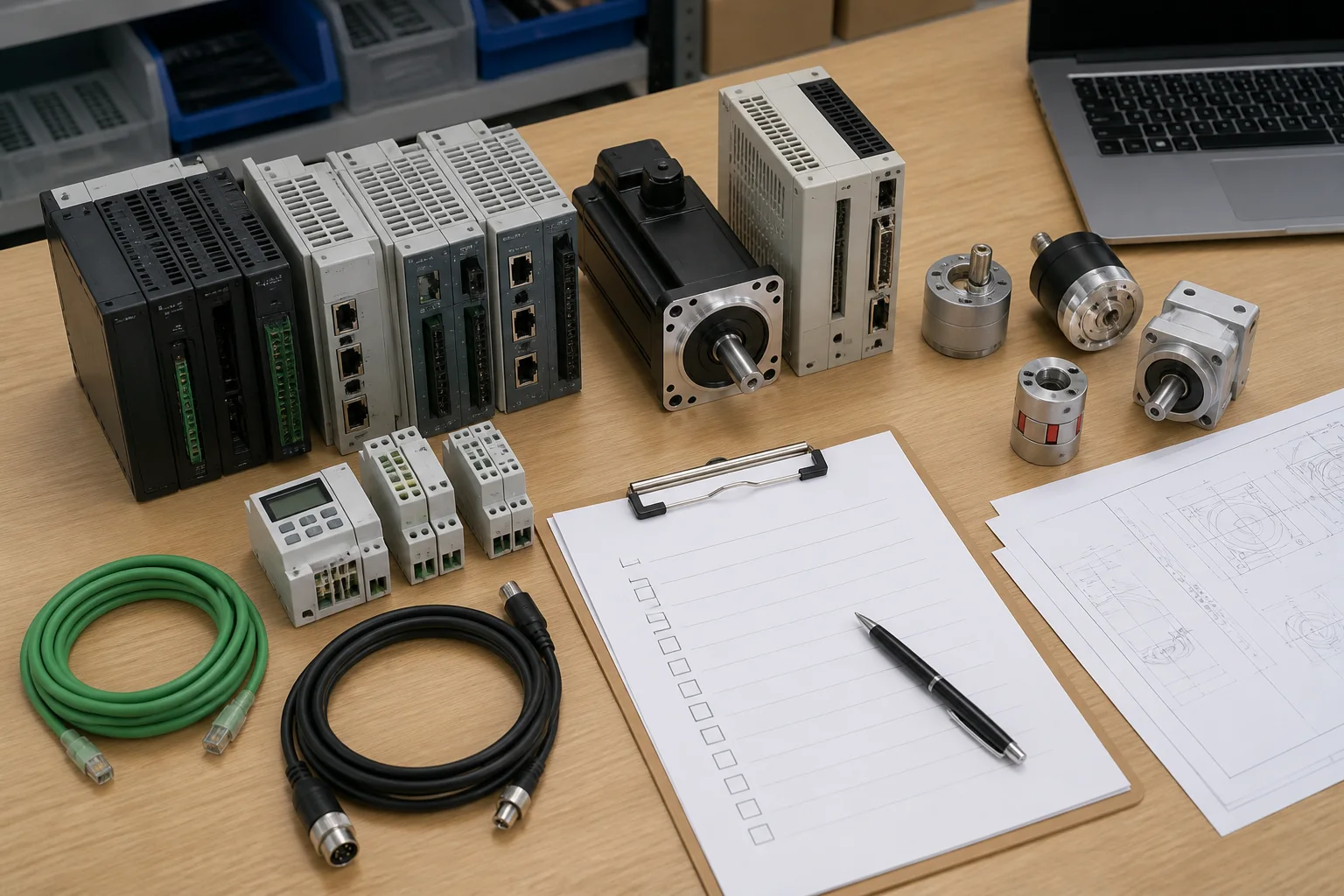
Industrial automation product inspection before delivery
01Identification, condition and quantity are matched to the confirmed PI.

Transaction Flow

RFQ Process

We use the information in your RFQ to prepare a quote, confirm the order and arrange delivery.

  1. 01InquiryModel and requirement captured
  2. 02QuotationPrice and supply terms provided
  3. 03PI ConfirmationOrder details approved
  4. 04Product CheckItem matched to the order
  5. 05PackingProtection selected for the item
  6. 06ShippingDispatch and tracking coordinated
Procurement team preparing an industrial automation RFQ
A complete model number and delivery details help us prepare your quote sooner.

Stages 01–02

Quotation Information

01

Required Information

The website form accepts the product model, quantity, email, WhatsApp and a message. Use the message field for the required condition, destination, specification and target date.

For direct email contact, include the brand, full model or MLFB, quantity, technical specification, destination and clear product or nameplate images when available.

02

Quotation Details

After sufficient details arrive, a sales specialist checks the requirement and prepares a quotation with price, supply status, lead time, condition, warranty and applicable shipping terms for that request.

If a model is incomplete or compatibility is uncertain, we request clarification before presenting a commercial option.

Useful RFQ detailsBrandFull model / MLFBQuantitySpecificationDestinationProduct images

Stages 03–04

Order Verification

03

Proforma Invoice

The proforma invoice records the agreed model, quantity, condition, unit price, total amount, delivery basis and payment terms. Customers can request corrections before confirming the order.

This checkpoint helps prevent avoidable differences between the requested item and the commercial order.

04

Order Verification

Before packing, the team checks the visible manufacturer identification, full part number, quantity, stated condition and obvious physical damage. Agreed photos or additional checks can be coordinated for the specific order.

Test scope depends on the product type, available equipment and the terms confirmed in the quotation.

  • Full model and suffix match
  • Ordered quantity confirmed
  • Visible condition assessed
  • Accessories matched when included
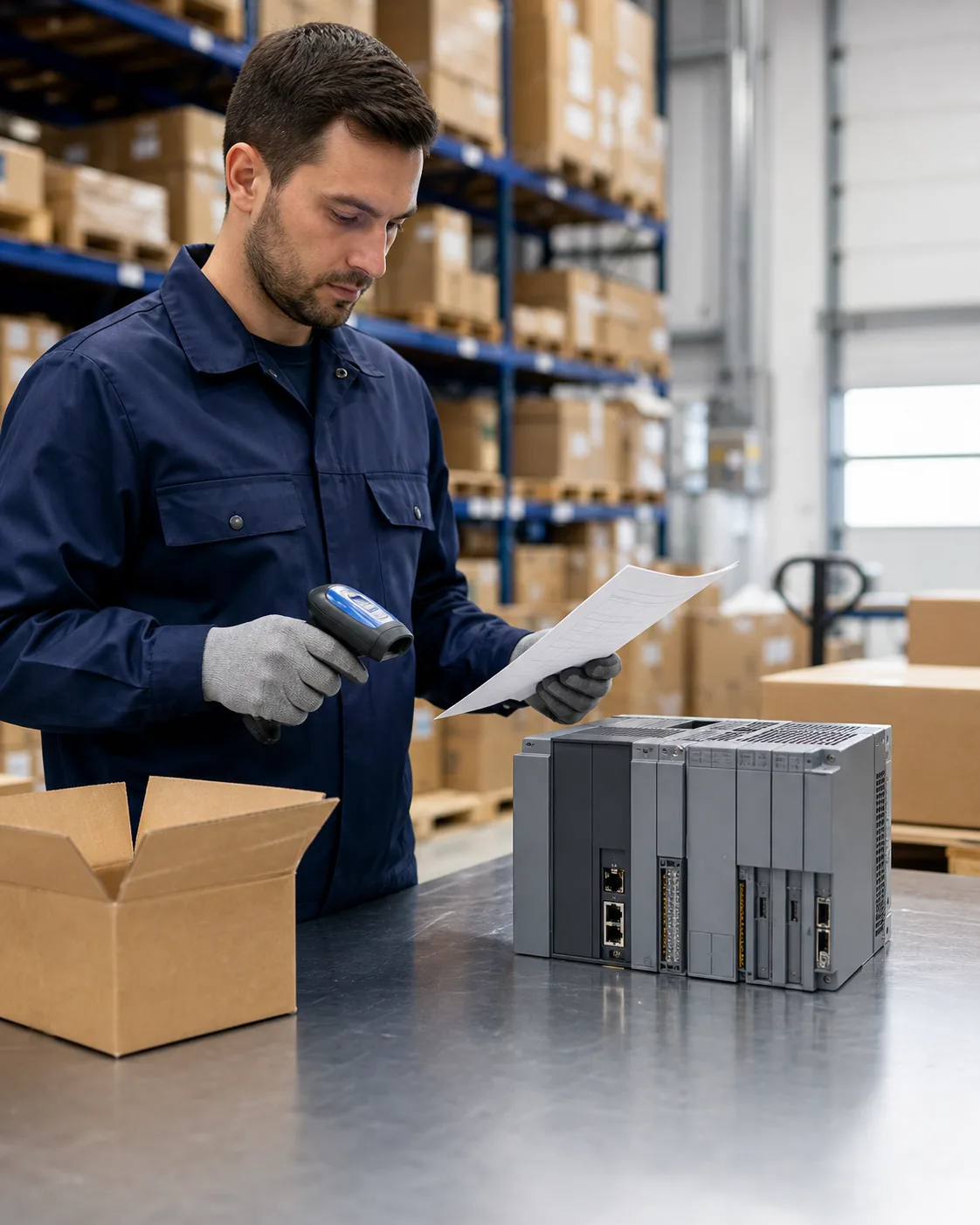
Order-specific identification and condition check
Checks are aligned with the exact part number and confirmed commercial terms.
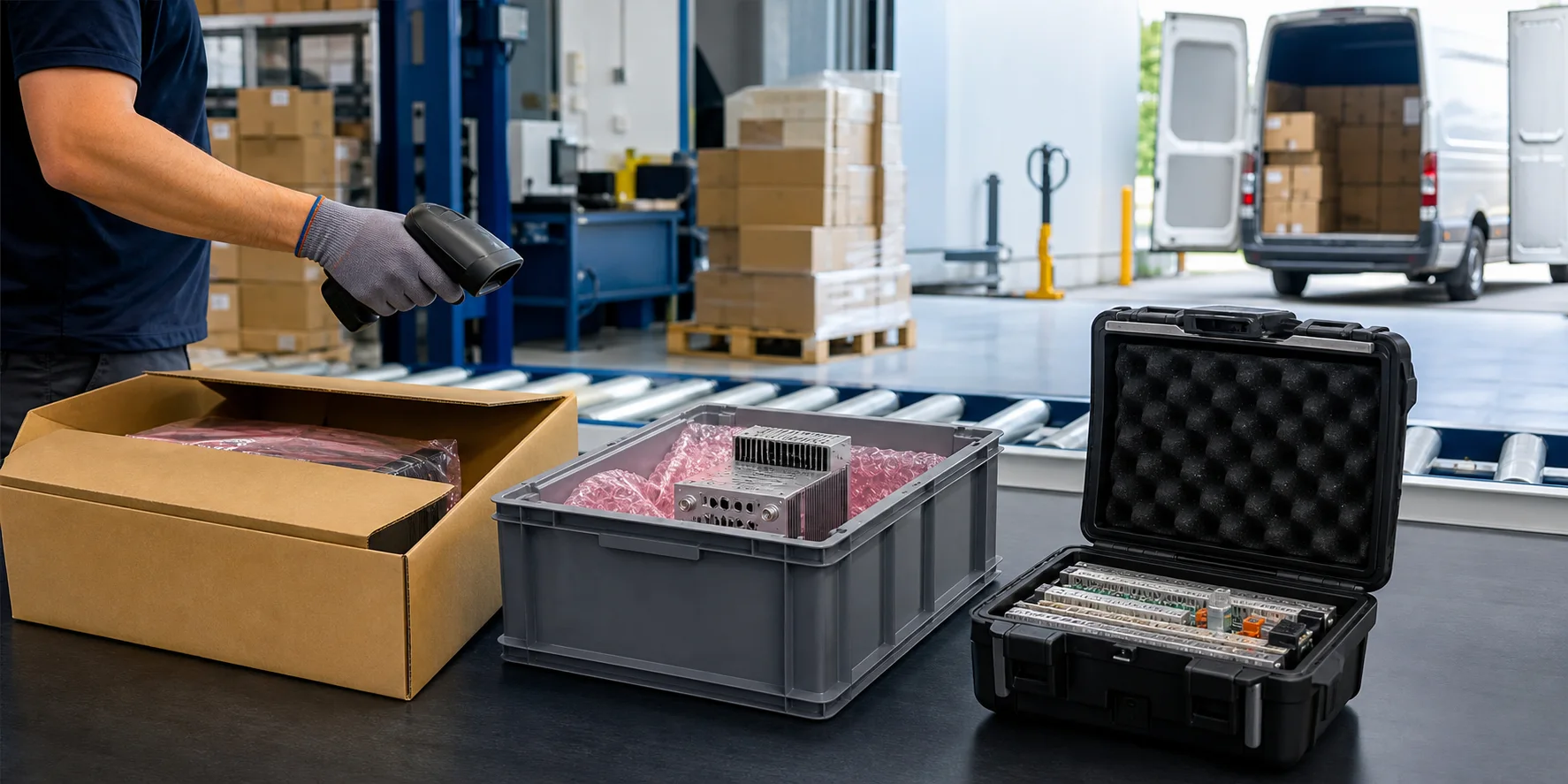
Protective packing and dispatch preparation for industrial automation equipment
Packing method and shipping route are matched to the order and destination.

Stages 05–06

Packing and Shipping

05

Packing Information

Appropriate orders may use anti-static protection, connector covers, cushioning, fitted foam, reinforced cartons and moisture protection. The method is selected according to product size, weight, sensitivity and transport route.

06

Shipment Information

The agreed carrier or freight method is arranged after packing. Dispatch information and available tracking details are shared so the buyer can prepare for receipt and local import procedures.

Delivery clarity

Freight cost, delivery basis, estimated timing and responsibility for local charges are confirmed before shipment.

After-Sales Support

Order Support

Questions after delivery are handled against the confirmed order details. Keeping the packaging, labels and arrival photos helps the team assess transport damage, quantity differences or model concerns efficiently.

01

Delivery concerns

Send order reference, outer-carton images, packing condition and clear photos of the affected item as soon as possible.

02

Model or quantity differences

Provide label photos and the received quantity so the shipment can be compared with the confirmed PI.

03

Technical follow-up

Share the installed system, electrical data, interfaces, firmware and observed behavior when the question concerns compatibility or commissioning.

Email After-Sales Support
Maintenance planning and after-sales coordination
Practical SupportCommercial and technical questions are handled with the relevant order context.

RFQ Information

Order Information

Each answer explains how to provide useful information and what can be confirmed during the transaction.

01Which details help you prepare an accurate quotation?

Send the brand, complete model or MLFB, quantity, required condition, specification, destination and target date. Product or nameplate images are useful when the identification is incomplete.

02What affects quotation timing?

Quotation timing depends on receiving enough information to identify the product and commercial requirement. Complex compatibility questions may require additional confirmation.

03What should I confirm on the proforma invoice?

Check the complete model, quantity, condition, price, delivery basis, payment terms and destination details. Request any correction before confirming the order.

04What product checks are completed before packing?

The standard check covers visible identification, full part number, quantity, stated condition and obvious physical damage. Additional checks depend on the agreed scope and product type.

05How are sensitive automation components protected?

Packing may include anti-static protection, cushioning, fitted foam, connector protection, moisture control and reinforced cartons according to the item and transport route.

06What information is available after dispatch?

Available carrier and tracking details are provided after shipment. The quotation or PI confirms the delivery basis and responsibility for local import charges.

07What should I send if an order arrives with a problem?

Send the order reference, carton and packing photos, product label images, received quantity and a clear description of the concern. Keep the packaging until the case has been assessed.

RFQ coordination for Siemens automation requirements

Start the Process

RFQ Form

You can send product images, nameplates and more detailed model lists by email or WhatsApp.

Email is required. More detail helps us confirm the correct product and respond with practical commercial terms.

Request a Quote