

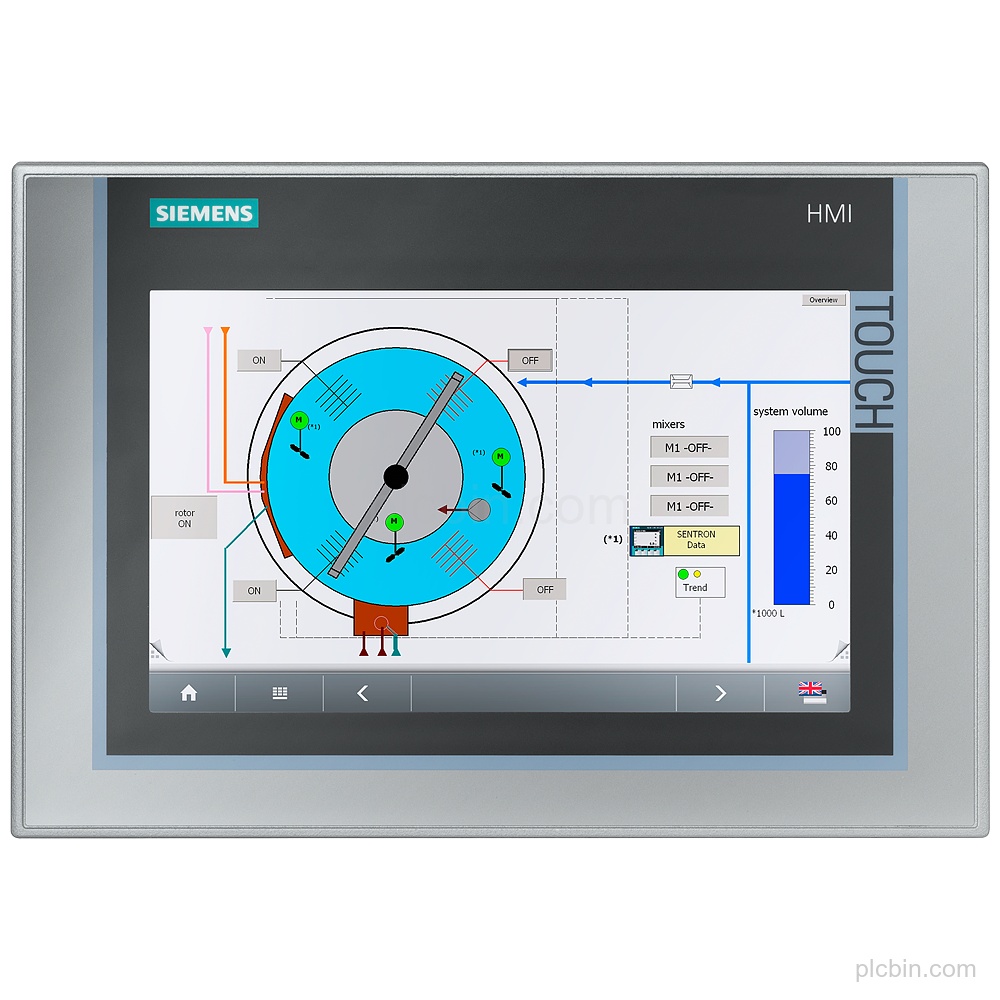
Product Description
Key Features
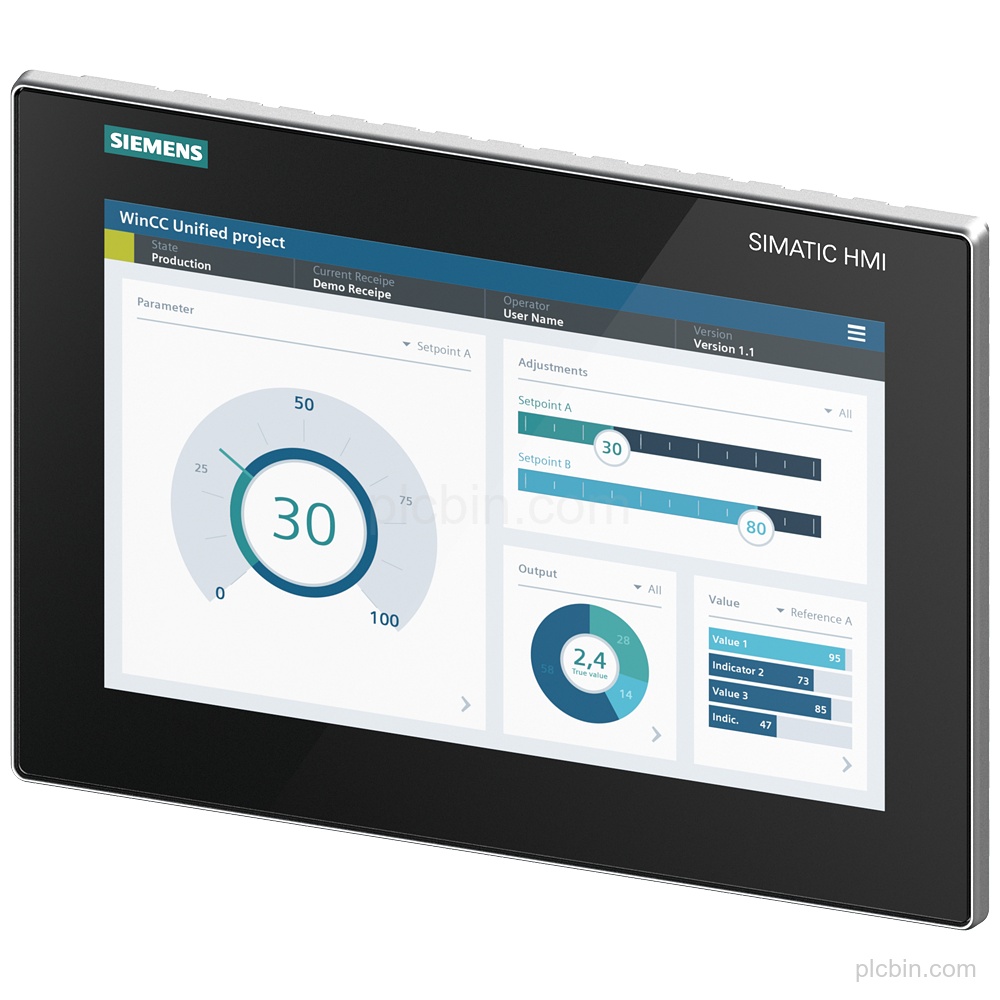
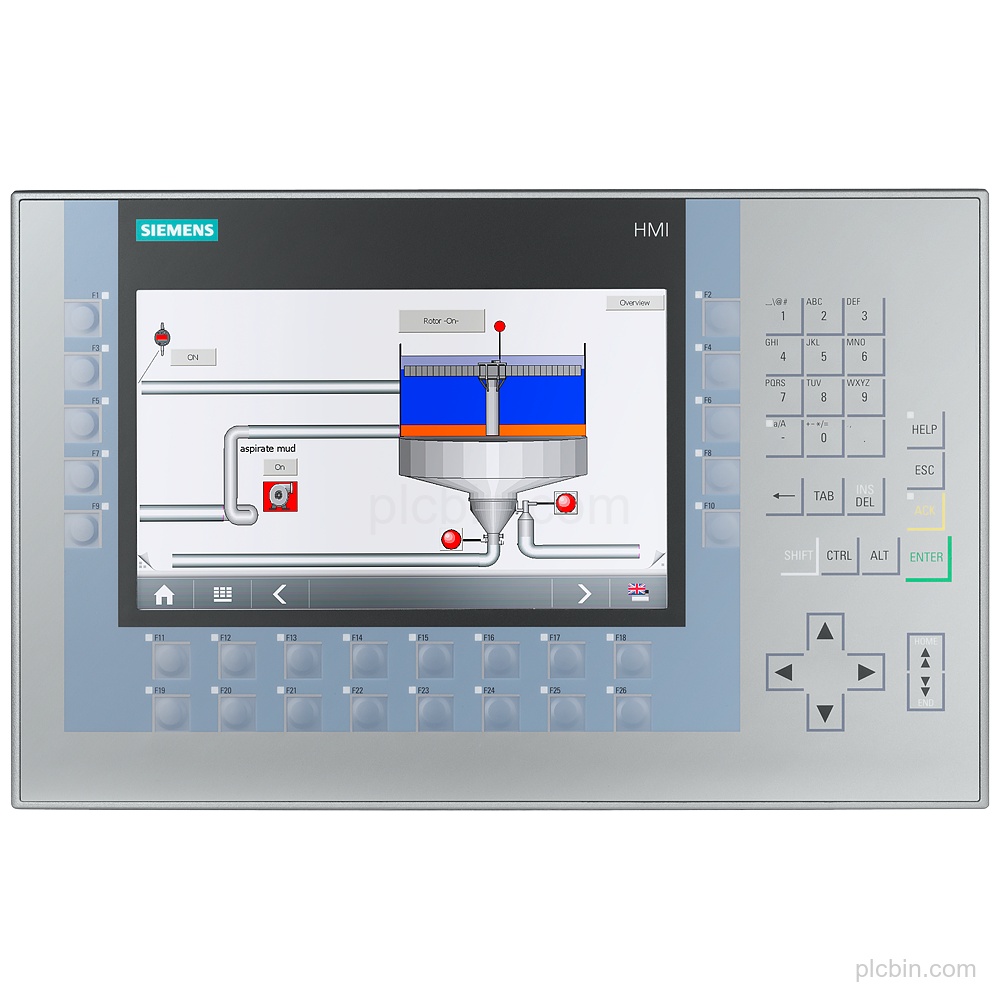
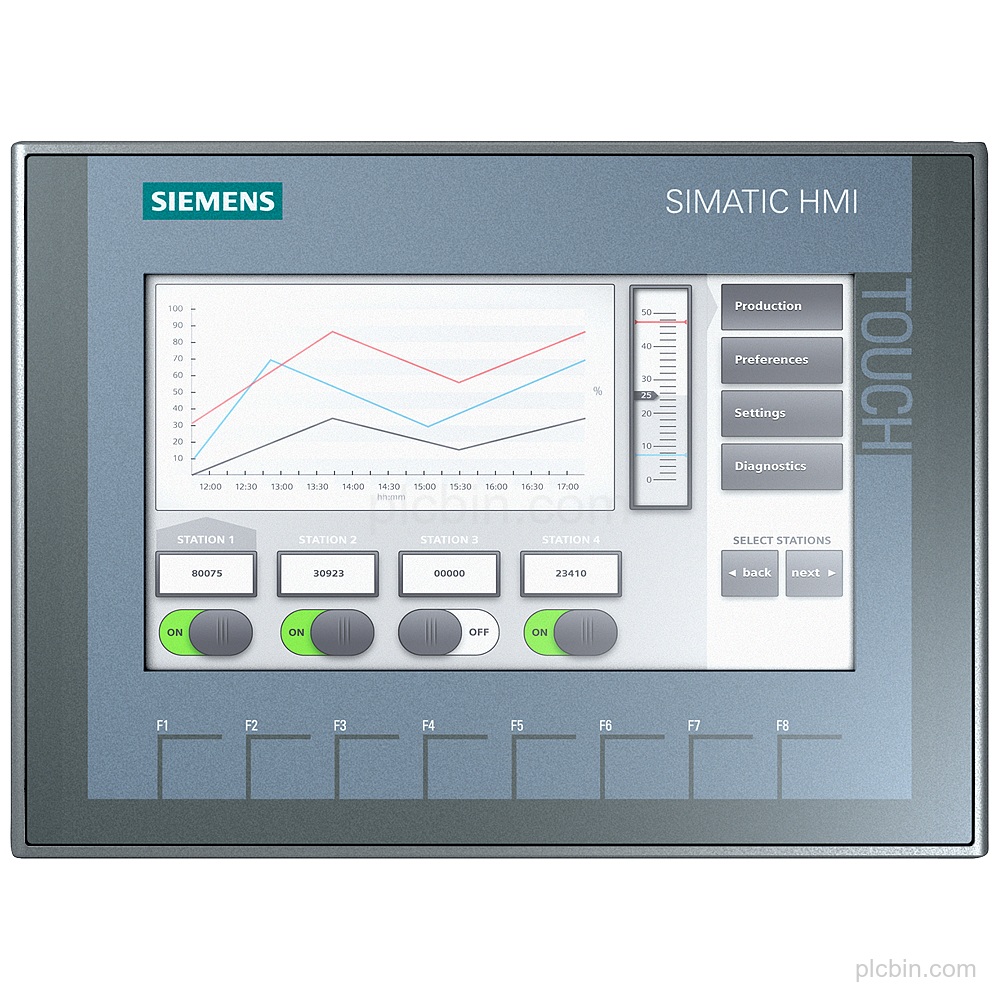
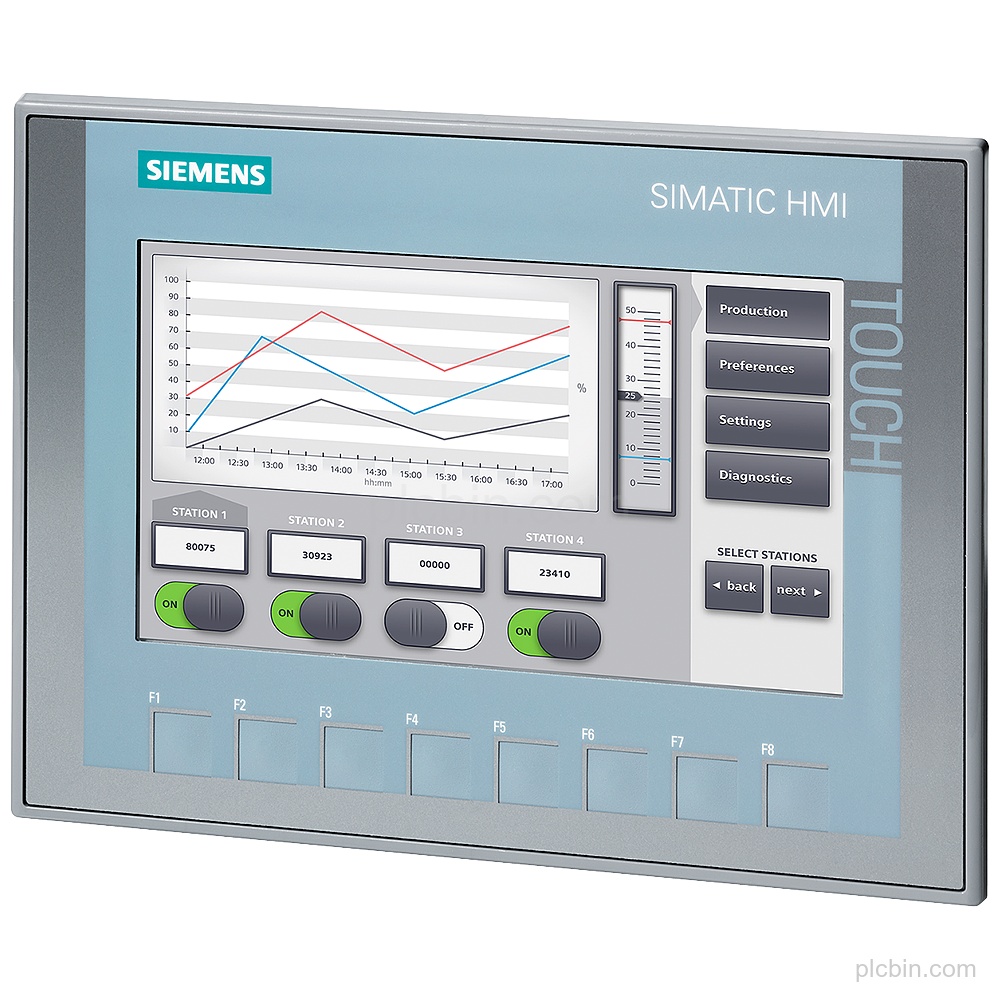
- Product identity: SIPLUS HMI TP900 Comfort based on 6AV2124-0JC01-0AX0, with conformal coating and an announcement of product phase-out.
- Display and touch operation: 9 in TFT display with 800 pixel horizontal resolution, 480 pixel vertical resolution and analog-resistive touch operation.
- Supply and interfaces: 24 V DC rated supply, permissible range 19.2 V to 28.8 V, 1 industrial Ethernet interface with 2 switch ports, 1 combined RS 422 / 485 interface and 2 USB 2.0 interfaces.
- Communication protocols: Supports PROFINET, PROFINET IO, PROFIBUS, EtherNet/IP, MPI, TCP/IP, DHCP, SNMP, DCP, LLDP and MODBUS.
- Installation and protection: Vertical mounting is supported, with portrait and landscape formats possible; protection is IP65 at the front and IP20 at the rear.
- Configuration and process functions: Provides message indication, alarm system with buffer and acknowledgment, process value display, process value input, recipe management and Windows CE.
Applications
- Process value display: Displays process values.
- Alarm handling: Provides an alarm system with buffer and acknowledgment.
- Recipe management: Provides recipe management.
Technical Summary
| Order number | 6AG1124-0JC01-4AX0 |
|---|---|
| Product type | TP900 Comfort |
| Based on | 6AV2124-0JC01-0AX0 |
| Display | 9 in TFT; 800 pixel x 480 pixel |
| Touch operation | Analog-resistive |
| Rated supply | 24 V DC |
| Supply range | 19.2 V to 28.8 V |
| Interfaces | 1 industrial Ethernet interface; 2 ports (switch); 1 RS 422 / 485 combined interface; 2 USB 2.0 interfaces |
| Protocols | PROFINET, PROFIBUS, EtherNet/IP, MPI, TCP/IP and MODBUS |
| Mounting | Vertical; portrait and landscape formats possible |
| Protection | IP65 at the front; IP20 at the rear |
Frequently Asked Questions
What display does Siemens 6AG1124-0JC01-4AX0 have?
It has a 9 in TFT display with 800 pixel horizontal resolution, 480 pixel vertical resolution and analog-resistive touch operation.
What supply voltage does this TP900 Comfort use?
The rated supply is 24 V DC, with a permissible range of 19.2 V to 28.8 V.
Which interfaces are available on the configured HMI?
It has 1 industrial Ethernet interface with 2 switch ports, 1 combined RS 422 / 485 interface and 2 USB 2.0 interfaces.
How is 6AG1124-0JC01-4AX0 mounted and protected?
It supports vertical mounting, portrait and landscape formats, and has IP65 protection at the front and IP20 at the rear.
What should be confirmed for a legacy-part request?
Confirm the complete order number, installed configuration, required quantity, destination and condition preference.