

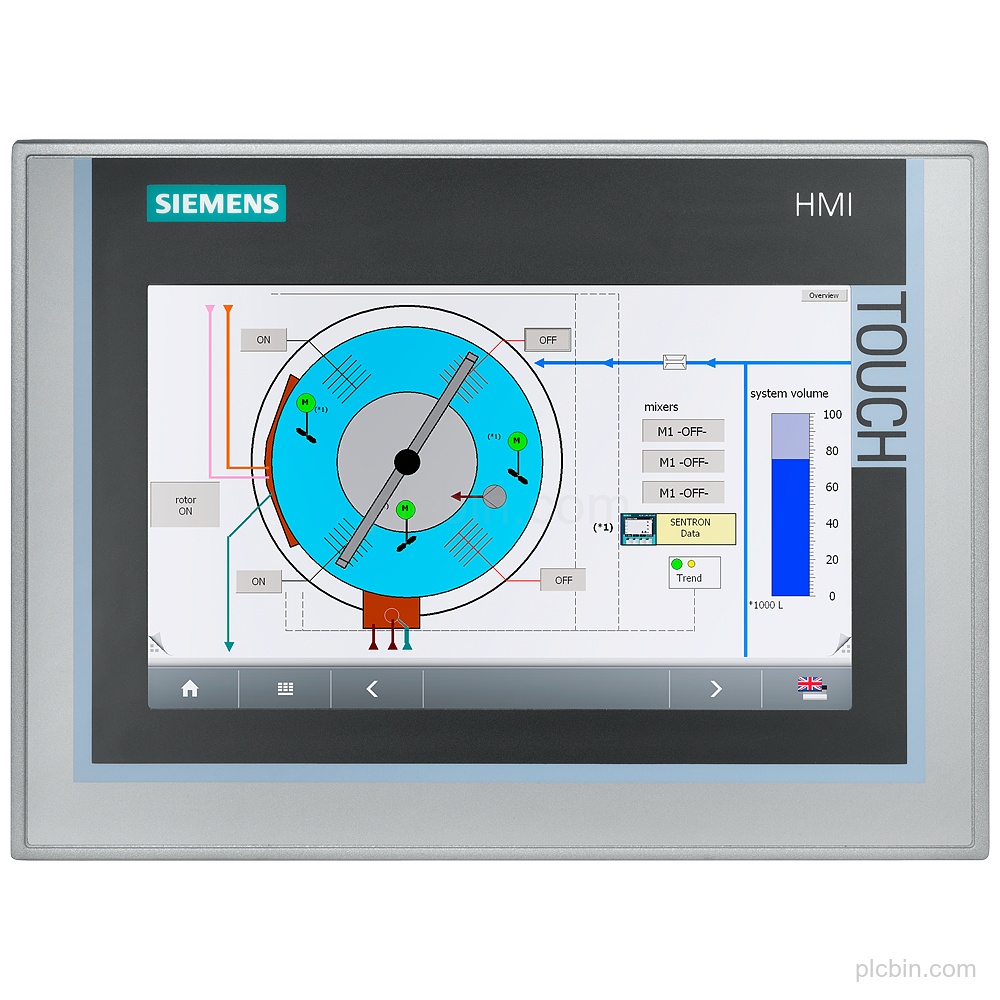
Product Description
Key Features
- Product identity: SIPLUS HMI TP700 Comfort based on 6AV2124-0GC01-0AX0, with conformal coating and 0…+50 °C.
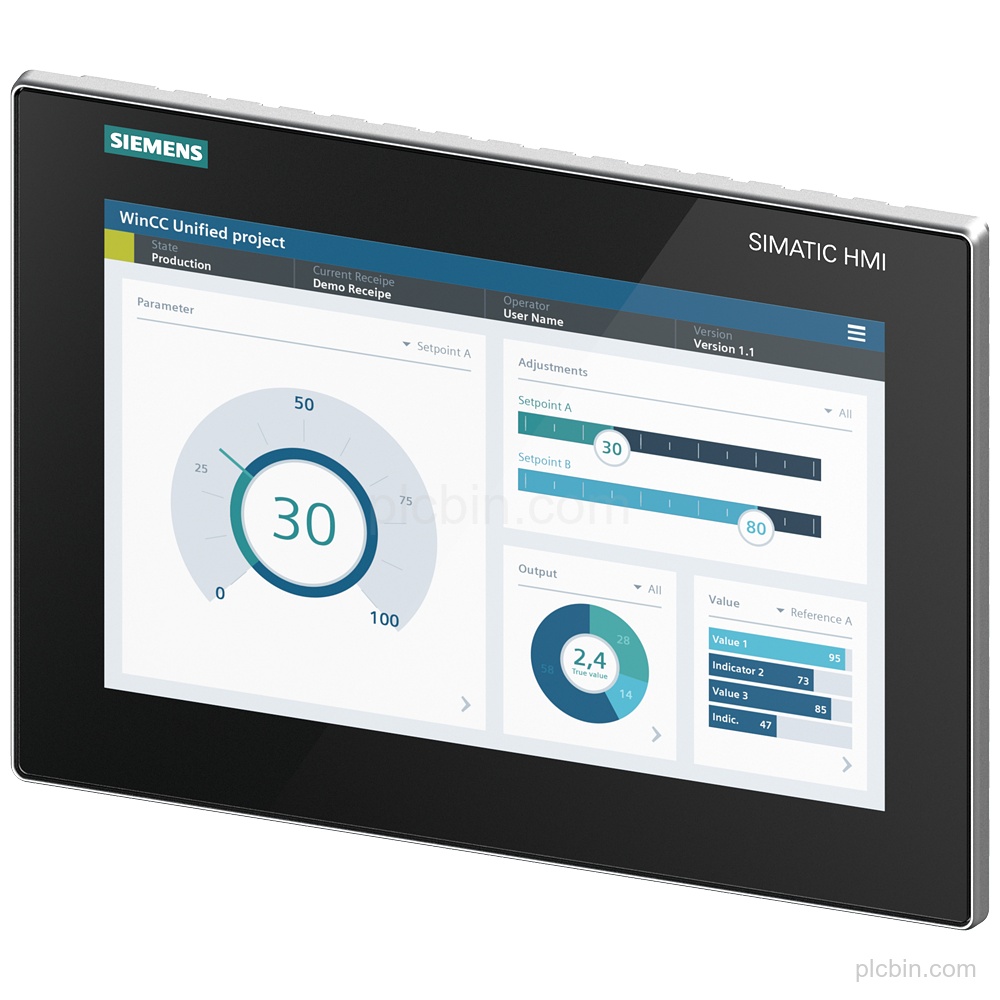
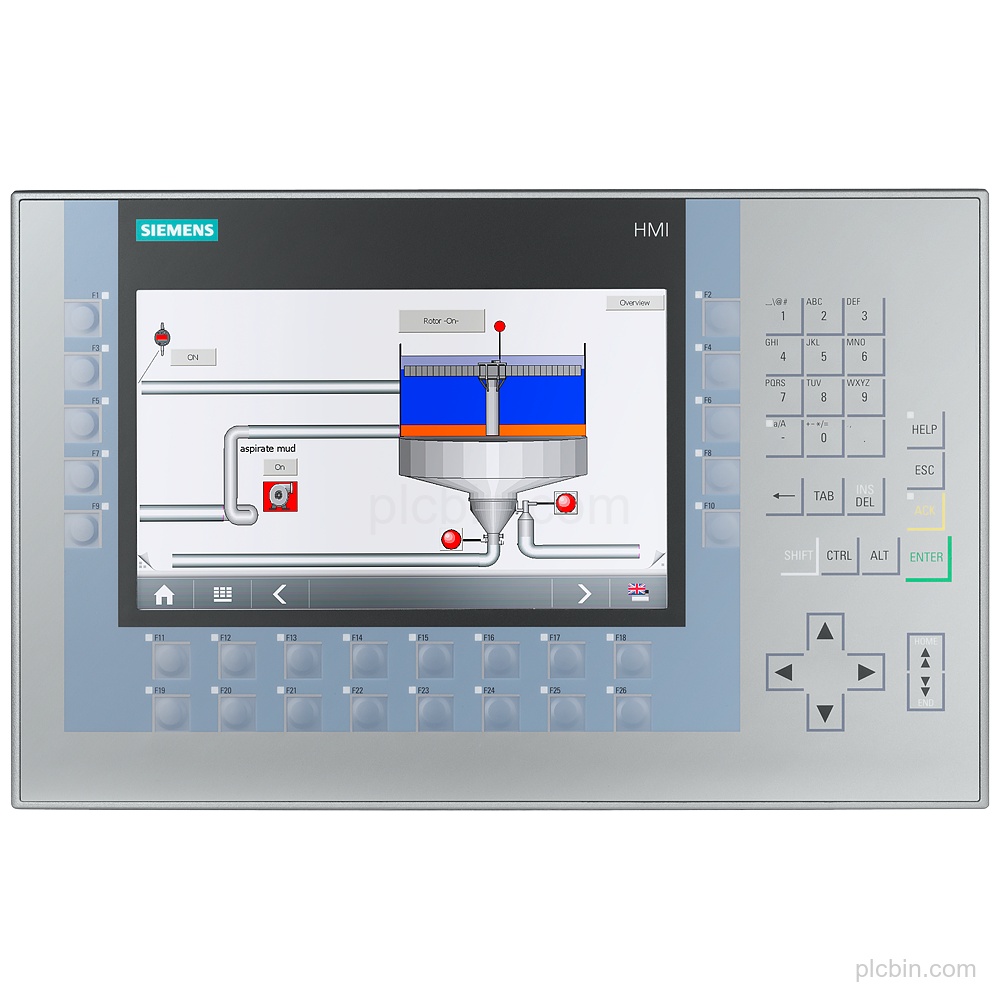
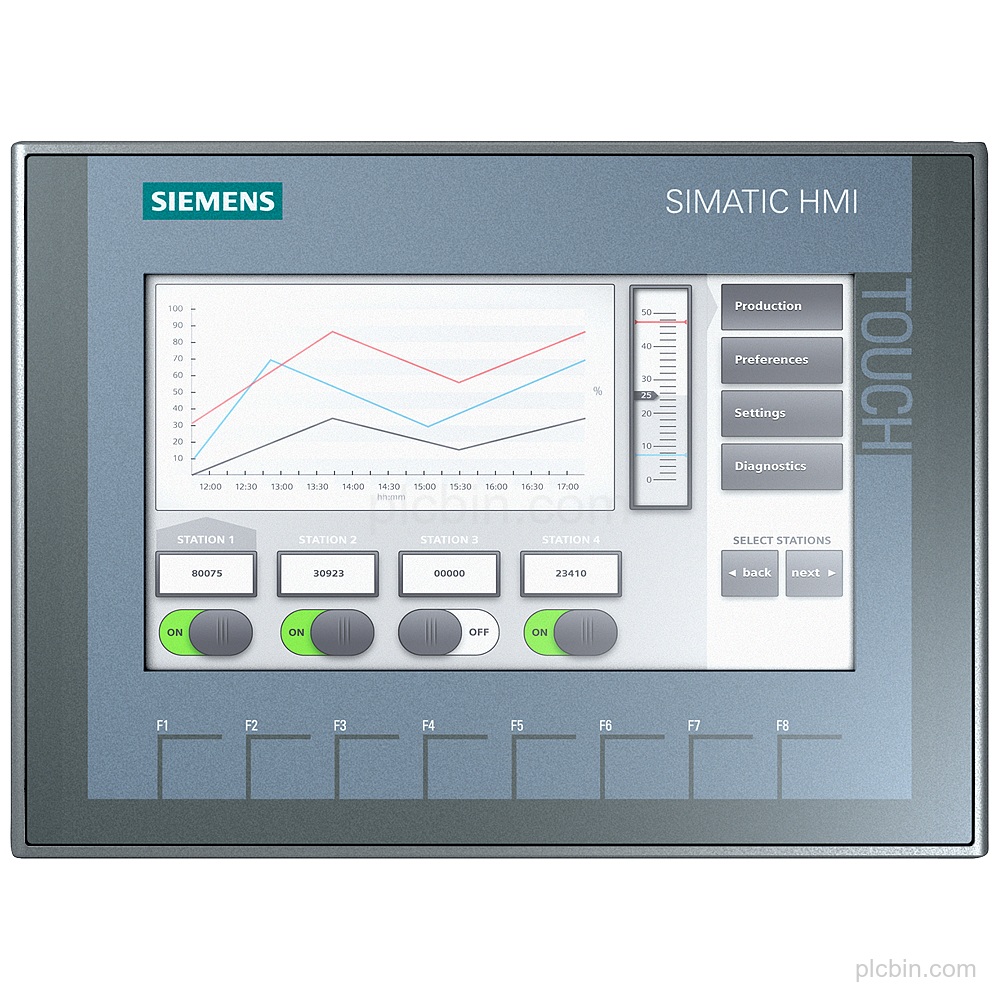
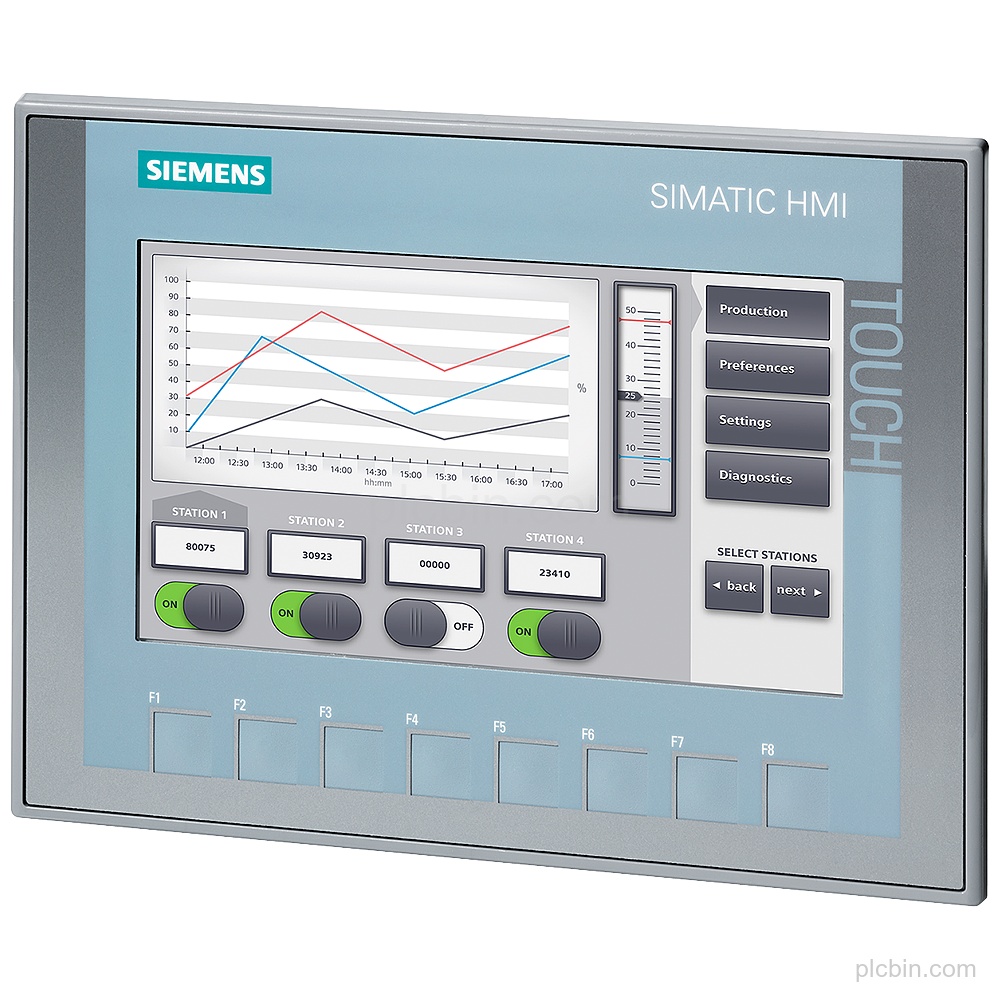
- Display and touch: 7 in TFT display with 800 pixel horizontal resolution, 480 pixel vertical resolution, and analog-resistive touch operation.
- Supply and power: 24 V DC rated supply, permissible range 19.2 V to 28.8 V, 0.5 A rated current consumption, and 12 W typical active power input.
- Communication interfaces: 1 industrial Ethernet interface with 2 ports (switch), 1 RS 485 interface combined with RS 422, 2 USB 2.0 interfaces, and 2 SD card slots.
- Protocols: Supports PROFINET, PROFINET IO, PROFIBUS, EtherNet/IP, MPI, TCP/IP, DHCP, SNMP, DCP, LLDP, and MODBUS.
- Mounting and protection: Vertical mounting is supported, with portrait and landscape formats possible. Protection is IP65 at the front and IP20 at the rear; the front has NEMA Enclosure Type 4 and Type 4x.
Applications
- Process value display: The device supports process value display as an output.
- Alarm management: The device supports an alarm system including buffer and acknowledgment.
- Recipe management: The device supports recipe management with 300 recipes, 500 data records per recipe, and 1 000 entries per data record.
Technical Summary
| Product type | TP700 Comfort |
|---|---|
| Based on | 6AV2124-0GC01-0AX0 |
| Display | 7 in TFT; 800 pixel x 480 pixel |
| Touch operation | Yes; Analog-resistive |
| Supply | 24 V DC; 19.2 V to 28.8 V |
| Interfaces | 1 industrial Ethernet; 2 USB 2.0; 2 SD card slots |
| Protocols | PROFINET, PROFIBUS, EtherNet/IP, MPI, MODBUS |
| Mounting | Vertical; portrait and landscape formats possible |
| Protection | IP65 front; IP20 rear |
| Conformal coating | Yes; Class 2 for high reliability |
| Product lifecycle | Announcement of product phase-out |
Frequently Asked Questions
What exact hardware code should be confirmed for this Siemens HMI?
Confirm order number 6AG1124-0GC01-4AX0 and the base hardware code 6AV2124-0GC01-0AX0.
What supply and interface details should be checked?
Check the 24 V DC supply, 1 industrial Ethernet interface with 2 switch ports, 1 combined RS 422 / 485 interface, 2 USB 2.0 interfaces, and 2 SD card slots.
What mounting and protection details apply?
The mounting position is vertical, with portrait and landscape formats possible. Protection is IP65 at the front and IP20 at the rear.
What lifecycle information is supplied for this configuration?
The supplied lifecycle data is Announcement of product phase-out.
What configuration and quantity should be included in an inquiry?
Include the exact order number, required quantity, destination, and preferred condition so the part request can be checked.