

Product Description
Key Features
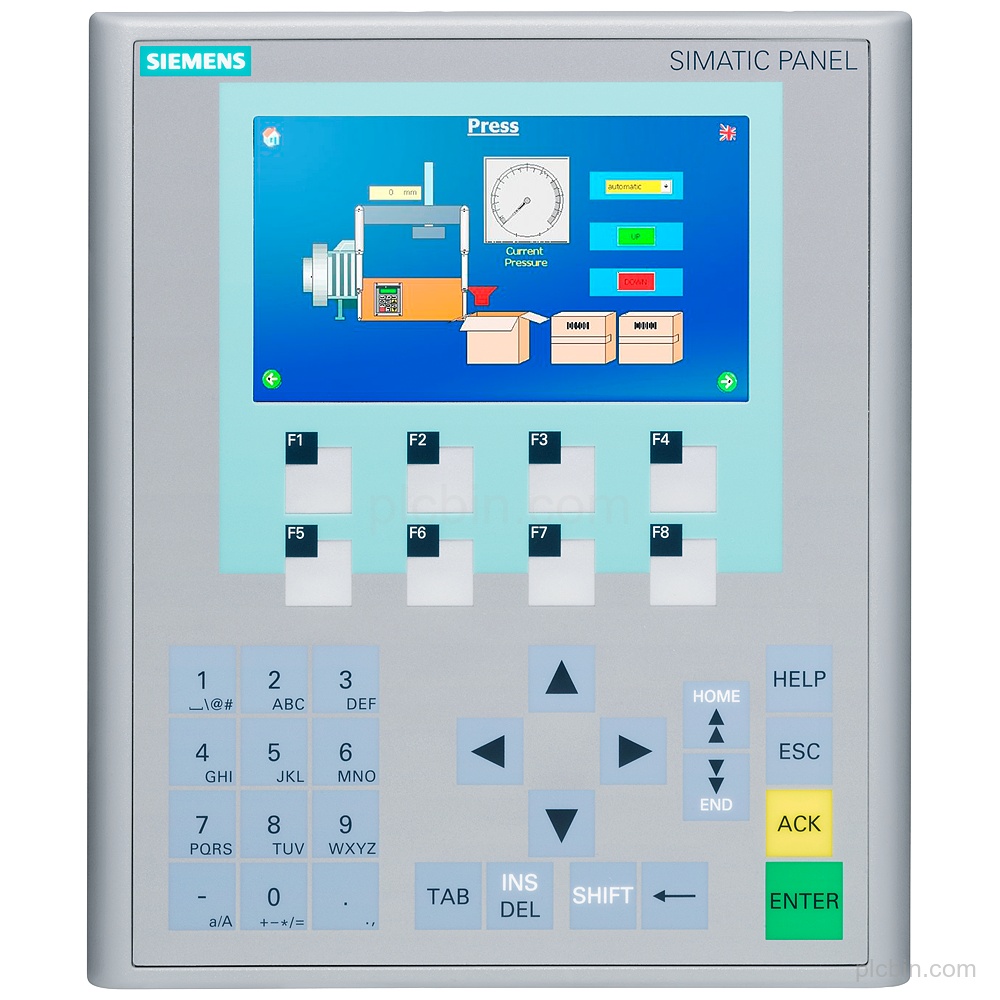
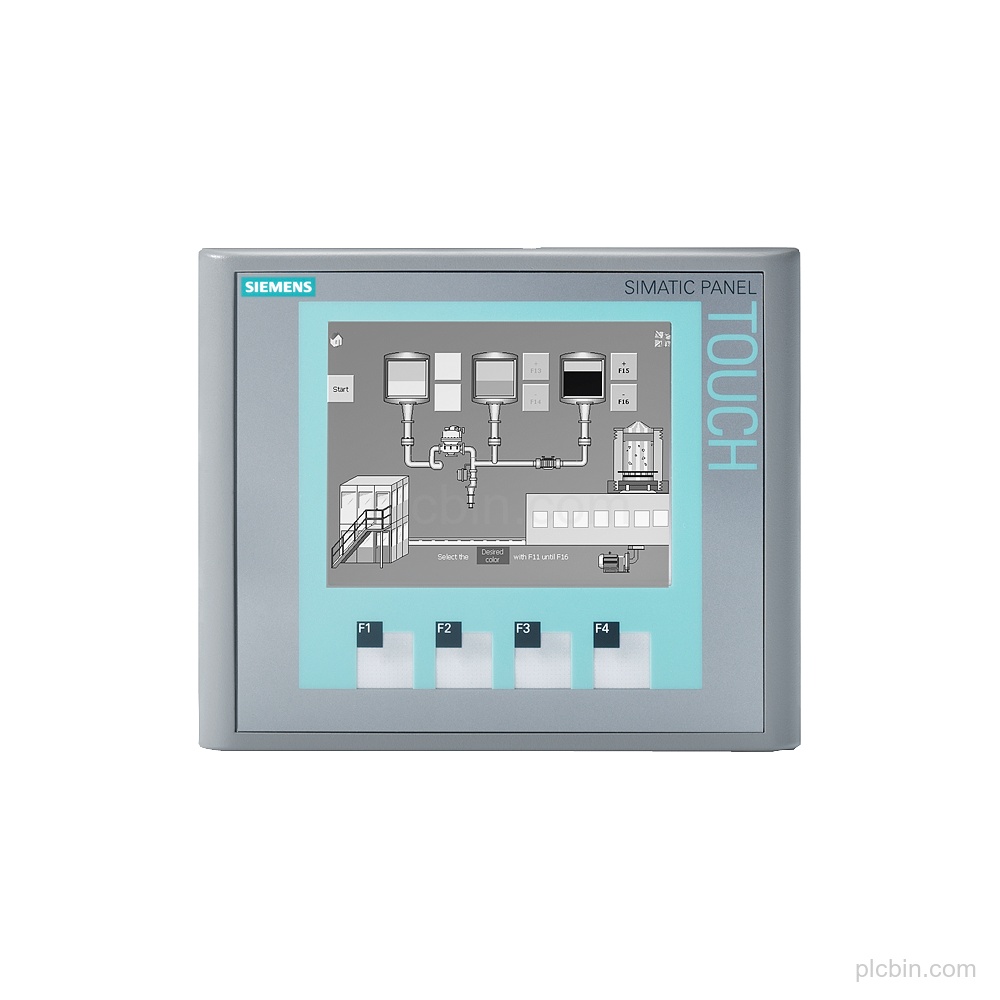
- Exact panel identity: Product type designation: KTP400 Basic mono PN; SIMATIC HMI KTP400 Basic mono PN Basic Panel with key/touch operation.
- Display and input: 4" STN display with 4 gray levels, 320 pixel × 240 pixel resolution, 4 function keys, numeric and alphanumeric onscreen keyboards, and analog-resistive touch operation.
- PROFINET interface: 1 industrial Ethernet interface with PROFINET, EtherNet/IP, TCP/IP, DHCP, SNMP, DCP, and LLDP; 2 industrial Ethernet status LEDs.
- Supply and power: 24 V DC rated supply with a permissible range of 19.2 V to 28.8 V, 0.1 A rated current consumption, and 3 W typical active power input.
- Mounting and protection: Vertical mounting; portrait and landscape mounting are possible. Maximum permissible angle of inclination without external ventilation: 35°. Protection: IP65 at the front and IP20 at the rear.
- Lifecycle and configuration: Product cancellation. Configurable as of WinCC flexible 2008 SP2 Compact, WinCC Basic V10.5, and STEP 7 Basic V10.5; contains open-source software provided free of charge on the enclosed CD.
Technical Summary
| Product type designation | KTP400 Basic mono PN |
|---|---|
| Display | STN, 3.8 in, 4; Grayscales, 320 pixel × 240 pixel |
| Input operation | Key/touch operation; analog-resistive touch screen; 4 function keys |
| Industrial Ethernet interfaces | 1 |
| Protocols | PROFINET; EtherNet/IP; TCP/IP; DHCP; SNMP; DCP; LLDP |
| Supply voltage | 24 V DC; permissible range 19.2 V to 28.8 V |
| Current consumption | 0.1 A rated value |
| Active power input | 3 W typ. |
| Mounting | Vertical; portrait and landscape formats possible |
| Protection | IP65 at the front; IP20 at the rear |
| Configuration | WinCC flexible 2008 SP2 Compact; WinCC Basic V10.5; STEP 7 Basic V10.5 |
| Product lifecycle | Product cancellation |
Frequently Asked Questions
What exact order number should be confirmed for this panel?
Confirm the complete order number 6AV6647-0AA11-3AX0 and product type designation KTP400 Basic mono PN.
Which display and input configuration does 6AV6647-0AA11-3AX0 have?
It has a 3.8 in STN display with 4 gray levels, 320 pixel × 240 pixel resolution, 4 function keys, numeric and alphanumeric onscreen keyboards, and analog-resistive touch operation.
Which interfaces and protocols are supplied?
It has 1 industrial Ethernet interface. PROFINET, EtherNet/IP, TCP/IP, DHCP, SNMP, DCP, and LLDP are supported; PROFINET IO, IRT, PROFIBUS, MPI, and HTTP are not.
What supply and mounting details should be checked?
The rated supply is 24 V DC, with a permissible range of 19.2 V to 28.8 V. Mounting is vertical; portrait and landscape formats are possible, with a maximum permissible angle of inclination without external ventilation of 35°.
What lifecycle information applies to this configuration?
The product lifecycle is Product cancellation. Confirm the required quantity, destination, and condition preference for the request.