Siemens Industrial Automation

6FC5203-0AF50-0CA0

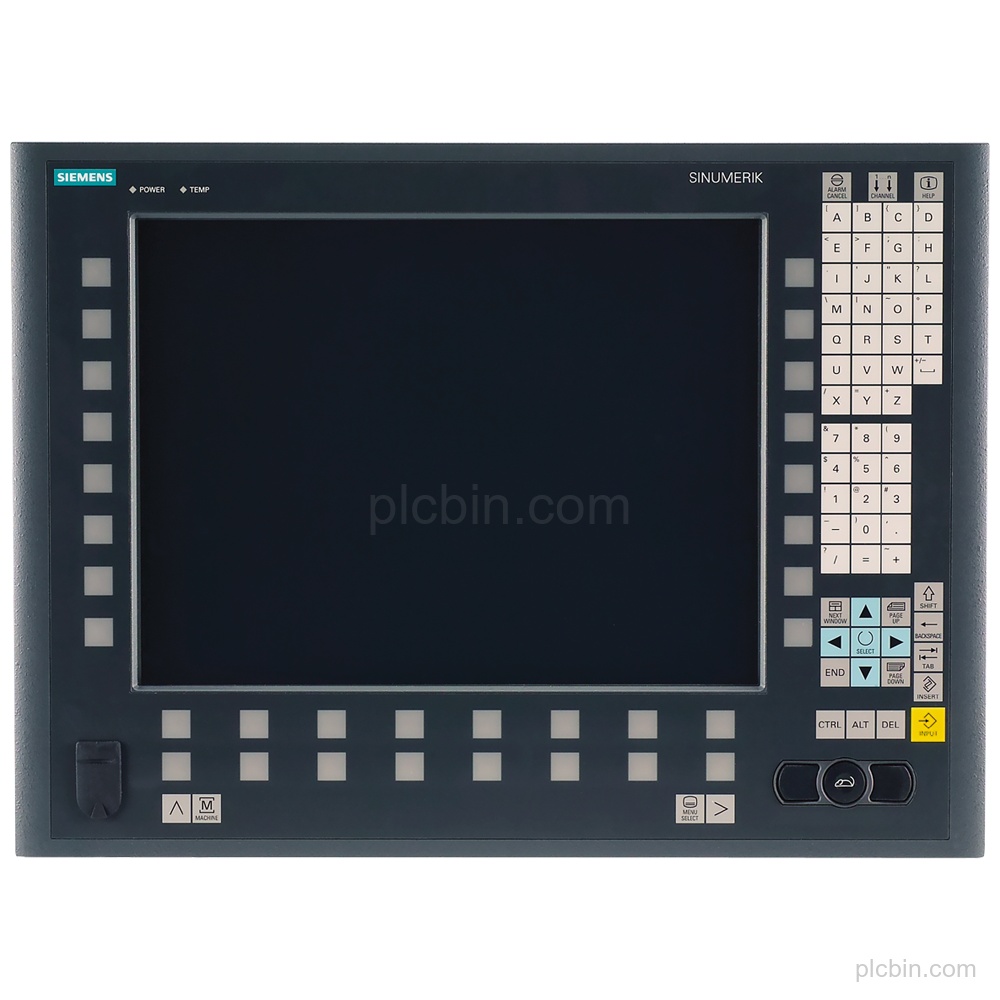
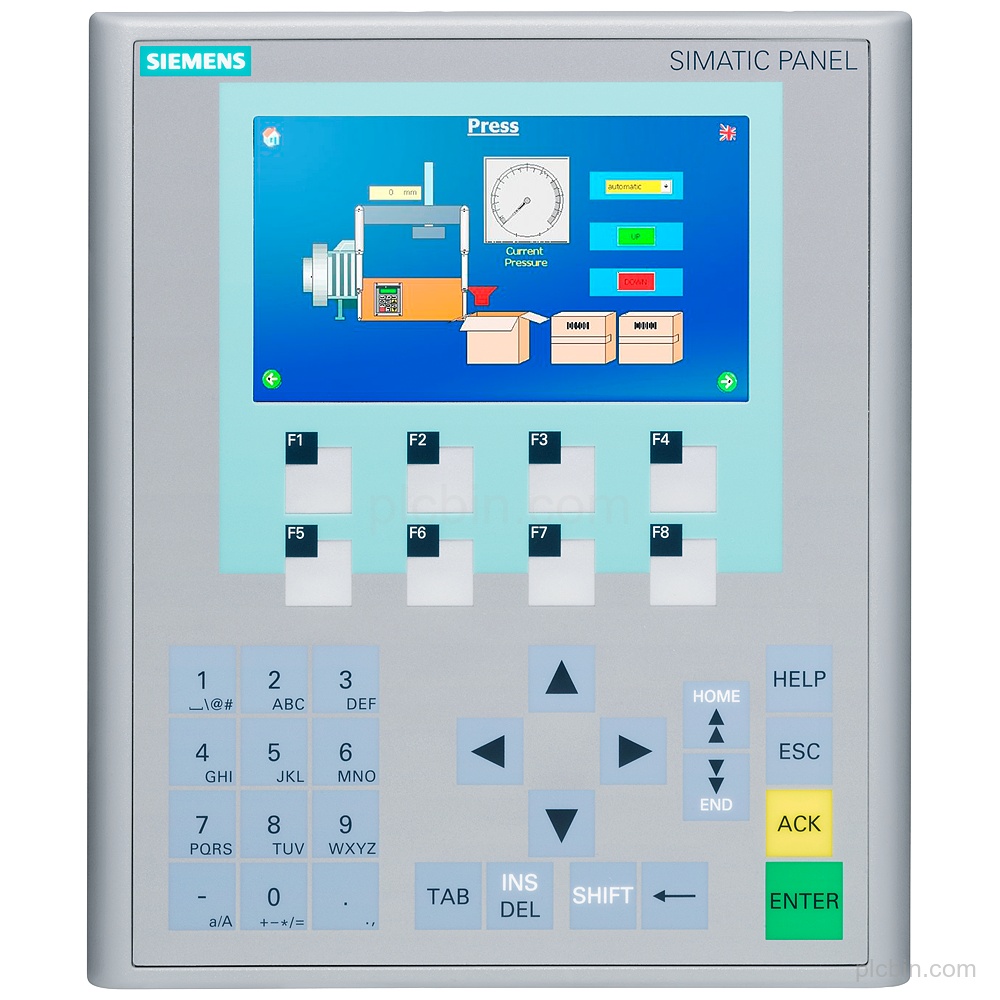
Siemens 6FC5203-0AF50-0CA0 SINUMERIK operator panel: OP 015-434C SlimLine, 15" TFT, 434 mm wide, with mechanical buttons. Check a legacy-part request.

Complete Product Information
Product Code
6FC5203-0AF50-0CA0
Weight
5.7 kg
Lifecycle
Product cancellation
Availability
Check availability with quotation
Lead Time
Confirmed with quotation

Availability, lead time, condition and warranty are confirmed for each quotation.

Product Information

Technical Product Information

Product Description

Key Features

  • Exact product identity: Order number: 6FC5203-0AF50-0CA0. Product: SINUMERIK operator panel front OP 015-434C SlimLine.
  • Display: Display: 15" TFT.
  • Mechanical controls: Controls: mechanical buttons.
  • Panel width: Width: 434 mm.
  • Product lifecycle: Product lifecycle: Product cancellation.
  • Net weight: Net weight: 5.700 kg.

Applications

  • Operator panel operation: The product is a SINUMERIK operator panel front with a TFT display and mechanical buttons.

Technical Summary

Product type SINUMERIK operator panel front
Panel variant OP 015-434C SlimLine
Display 15" TFT
Controls Mechanical buttons
Product lifecycle Product cancellation

Frequently Asked Questions

What is the exact order number of this SINUMERIK operator panel?

The exact order number is 6FC5203-0AF50-0CA0.

Which panel variant and display are supplied?

The panel is an OP 015-434C SlimLine with a 15" TFT.

What lifecycle status is provided for this product?

The product lifecycle is Product cancellation.
Product Information

RFQ Information

When contacting us by email, include the model or part number, quantity, brand, specifications and destination. Product or nameplate photos can help identify the requested item.

01Which product reference should I send?

Send the complete model, order number or MLFB shown on the product. Include the hardware version when it matters.

02How are supply terms confirmed?

Availability, condition, lead time, warranty and delivery terms are stated for the specific quotation.

03What helps with replacement requests?

Share the installed model, application, electrical and mechanical requirements, communication interface and a clear nameplate photo.

Product RFQ

Send the Details Needed for a Quotation

Use the form for the product model, quantity and contact details. Add the destination and technical questions in the message.

When contacting us by email, include the model or part number, quantity, brand, specifications and destination. Product or nameplate photos can help identify the requested item.

Email Your Requirement

* Email is required. Other fields are optional, but more detail helps us respond accurately.

Request a Quote