

Product Description
Key Features
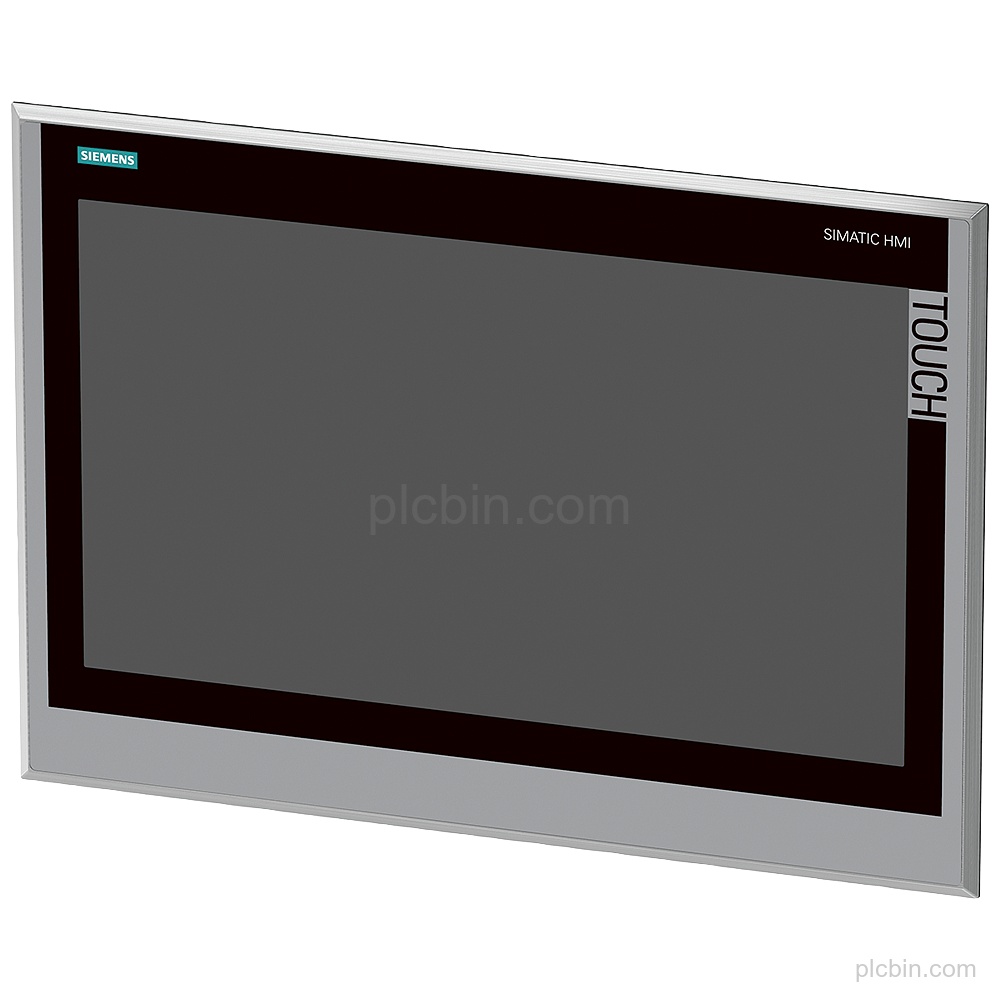
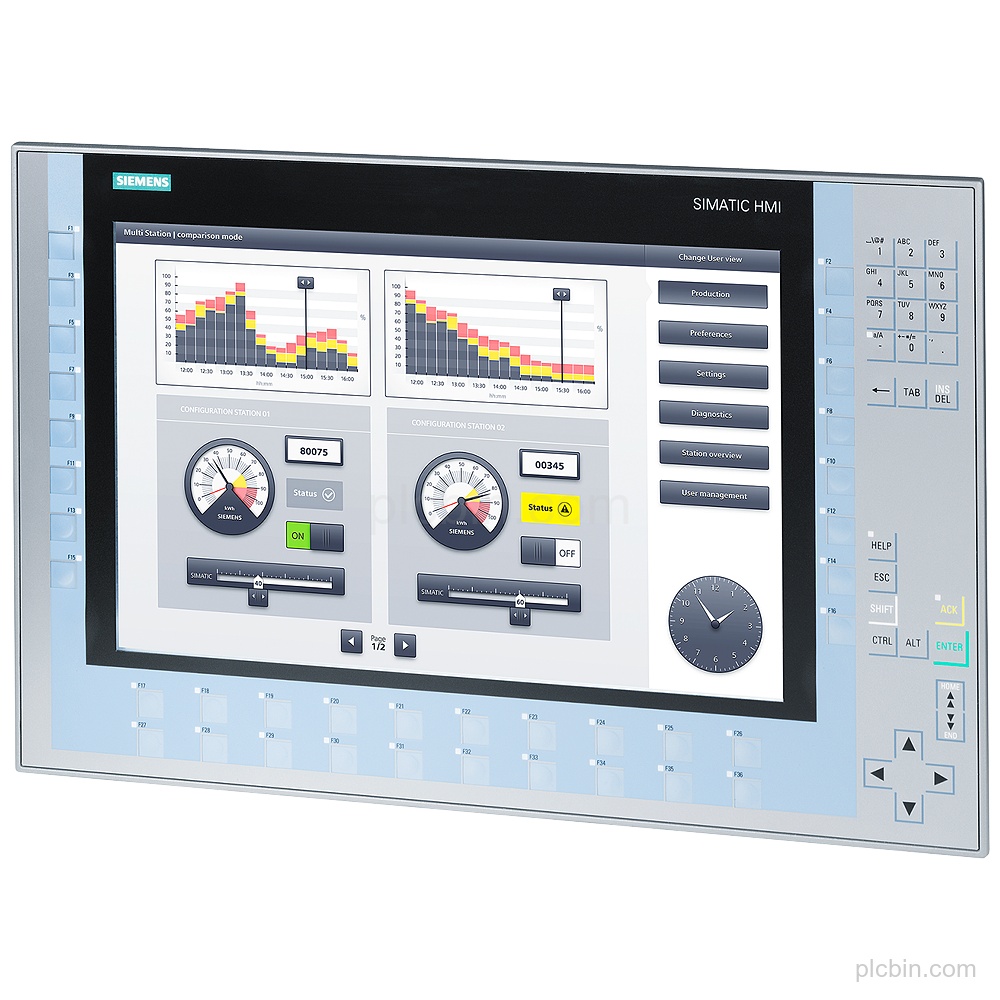
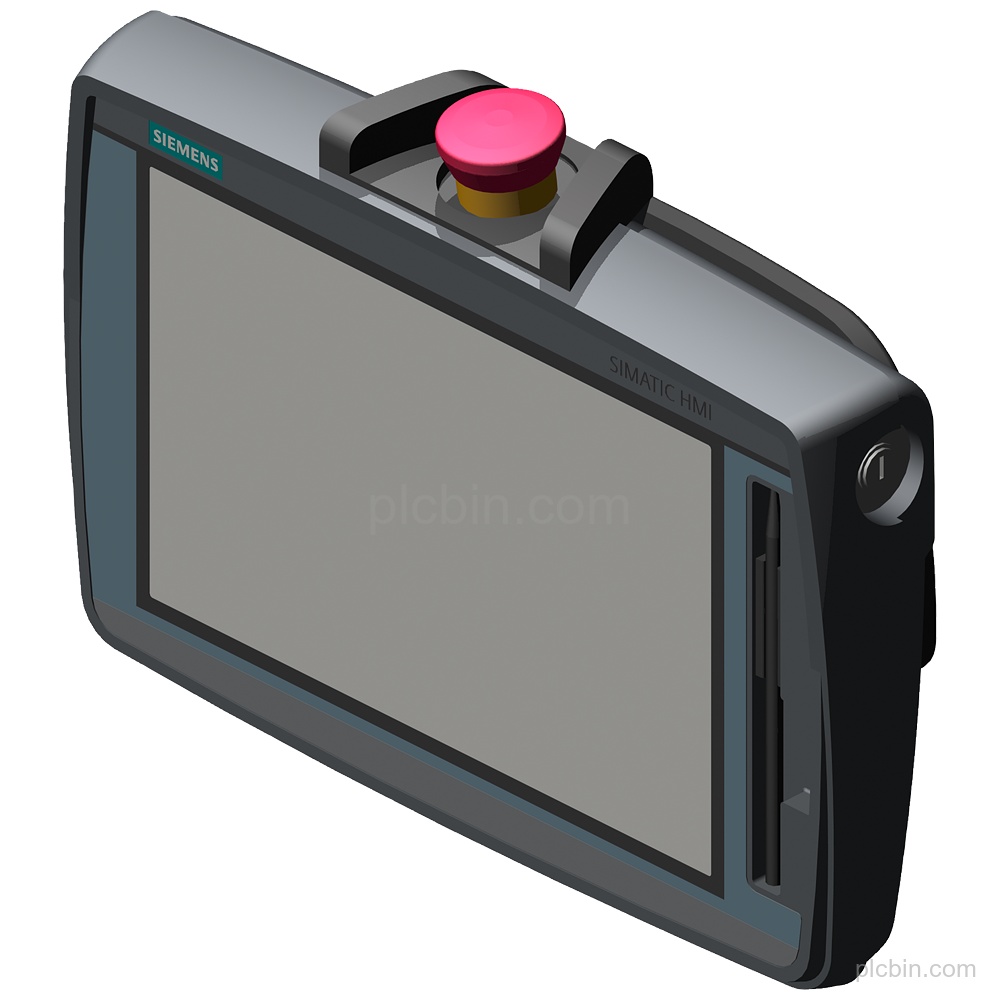
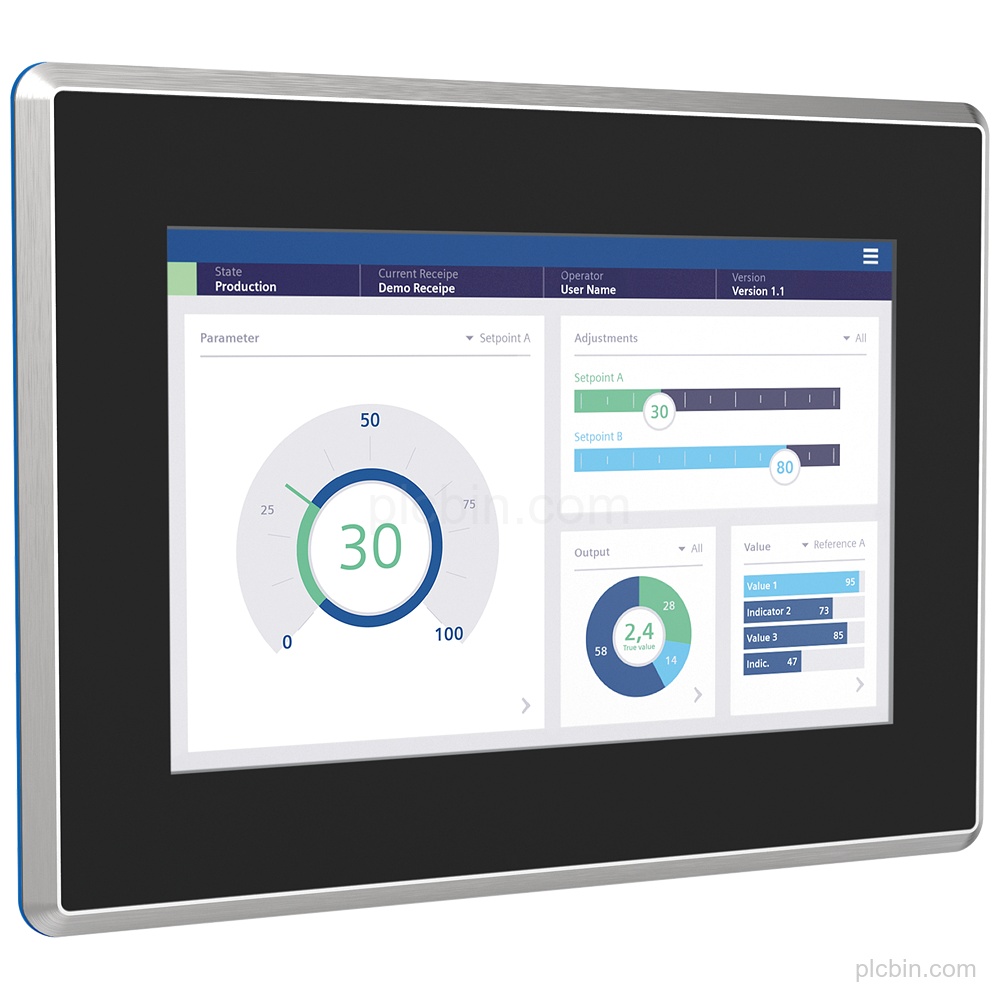
- Exact panel identity: Product type designation: MTP1000 Unified Comfort. The panel has a stainless-steel hygienic design with a blue FDA-compliant gasket.
- Widescreen touch display: The 10.1 in TFT display has 16 777 216 colors, 1 280 pixel horizontal image resolution and 800 pixel vertical image resolution. Touch and multi-touch operation are supported.
- Protection and impact design: The front has IP69 protection and increased impact protection with splinter protection display front according to directives DIN EN 1672-2 and FDA 21 CFR 177.2006. The rear has IP20 protection.
- Interfaces: The panel has 2 industrial Ethernet interfaces with 2 ports (switch) + independent port, 1 combined RS 422 / 485 interface, 4 USB 3.1 Gen. 1 type A interfaces and 2 SD card slots.
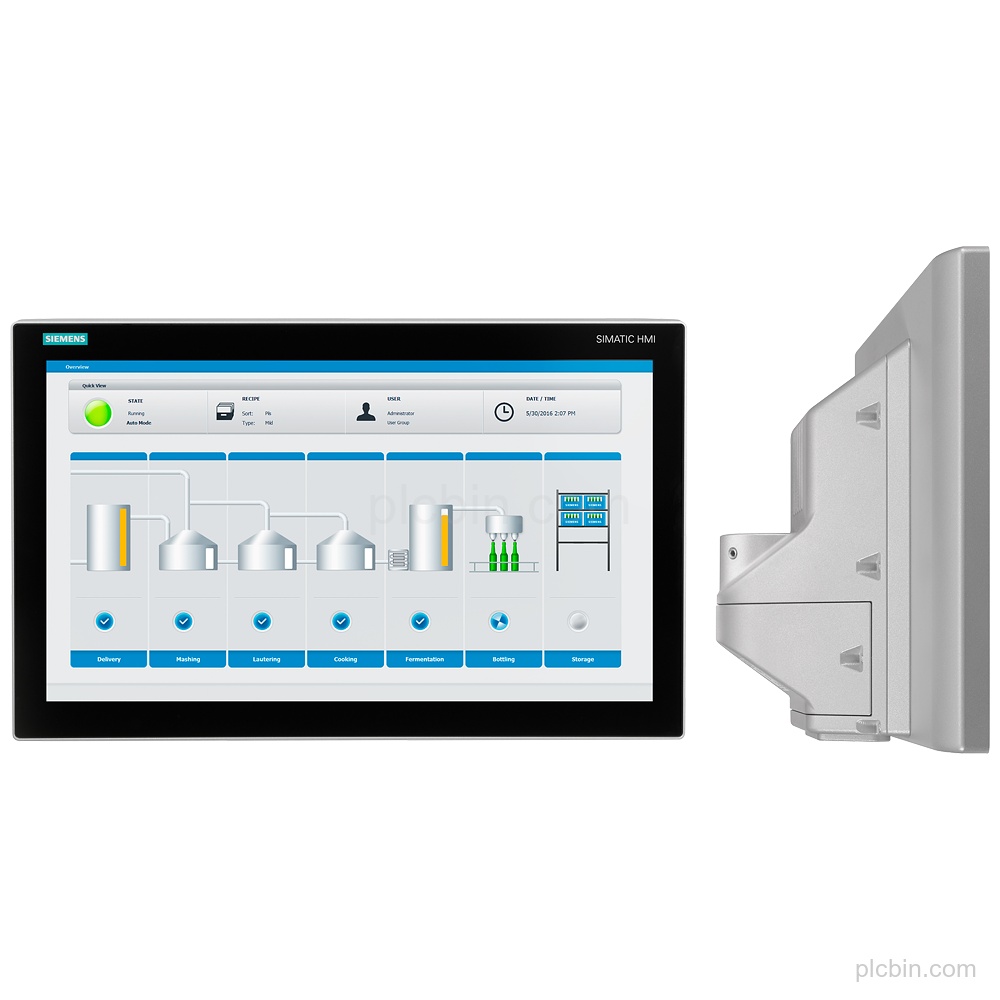
- Supply and mounting: Supply is DC, rated at 24 V with a permissible range from 19.2 V to 28.8 V. Mounting is horizontal or vertical, including portrait and landscape formats; the maximum permissible angle of inclination without external ventilation is 35°.
- Lifecycle and configuration: Lifecycle status: Active Product. The panel is configurable as of WinCC Unified Comfort V17 and contains open-source software provided free of charge; see enclosed Blu-ray.
Technical Summary
| Product type designation | MTP1000 Unified Comfort |
|---|---|
| Display | 10.1 in widescreen TFT; 16 777 216 colors |
| Display resolution | 1 280 pixel horizontal image resolution; 800 pixel vertical image resolution |
| Touch operation | Touch screen and multi-touch screen: Yes |
| Front protection | IP69 |
| Rear protection | IP20 |
| Supply | DC; rated value 24 V; permissible range 19.2 V to 28.8 V |
| Industrial Ethernet | 2 interfaces; 2 ports (switch) + independent port |
| Other interfaces | 1 combined RS 422 / 485 interface; 4 USB 3.1 Gen. 1 type A interfaces; 2 SD card slots |
| PROFINET | Yes; supports protocol for PROFINET IO: No |
| Mounting | Horizontal or vertical; portrait and landscape formats possible |
| Lifecycle | Active Product |
Frequently Asked Questions
What order number identifies this Siemens panel?
The exact order number is 6AV2128-3KB70-0AX0, with product type designation MTP1000 Unified Comfort.
What display and touch configuration does it have?
It has a 10.1 in widescreen TFT display with 16 777 216 colors, 1 280 pixel horizontal image resolution, 800 pixel vertical image resolution, touch operation and multi-touch operation.
Which interfaces should be confirmed for an installed configuration?
It has 2 industrial Ethernet interfaces, 1 combined RS 422 / 485 interface, 4 USB 3.1 Gen. 1 type A interfaces and 2 SD card slots. PROFINET is supported, while the protocol for PROFINET IO is not supported.
What supply and mounting details should be checked?
Supply is DC at a rated value of 24 V, with a permissible range from 19.2 V to 28.8 V. Mounting is horizontal or vertical, and portrait or landscape format is possible.
What lifecycle information is supplied for this model?
The lifecycle status is Active Product. It is configurable as of WinCC Unified Comfort V17.