

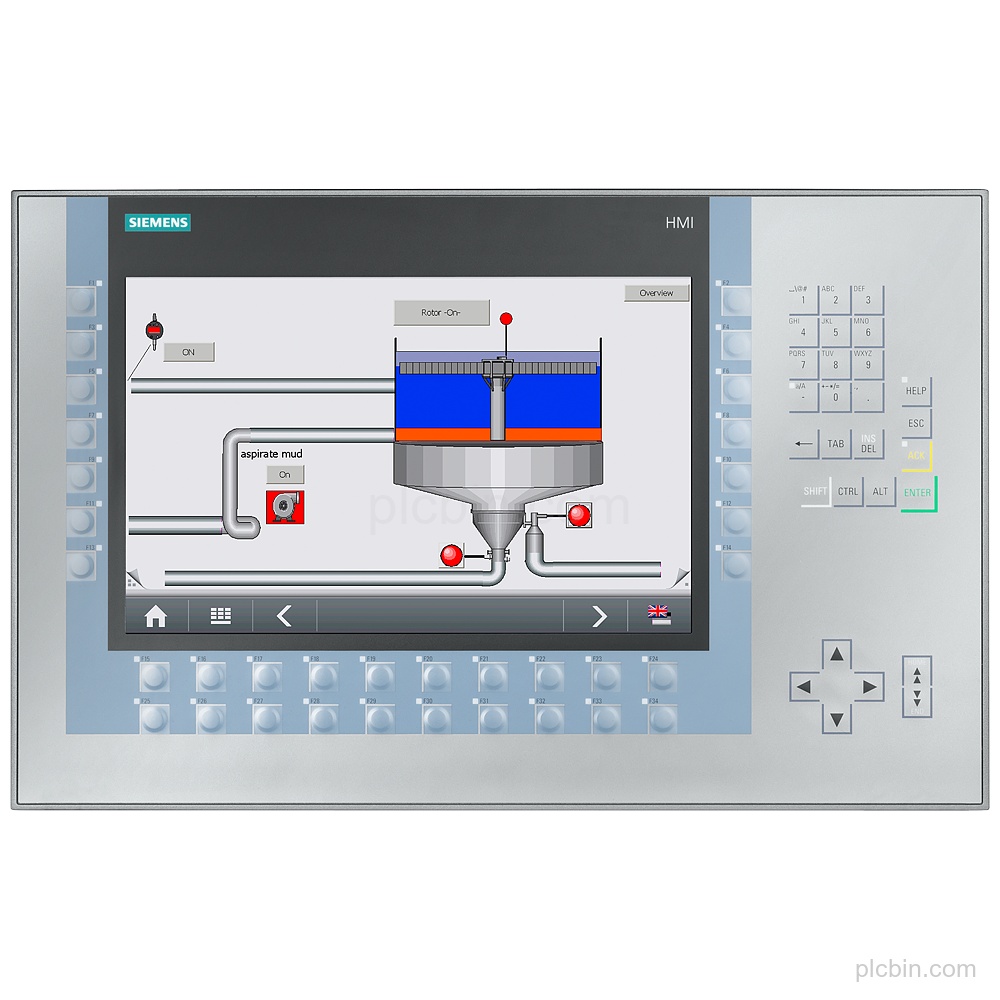
Product Description
Key Features
- Product identity: SIPLUS KP1200 Comfort HMI based on 6AV2124-1MC01-0AX0, with conformal coating and product phase-out announced.
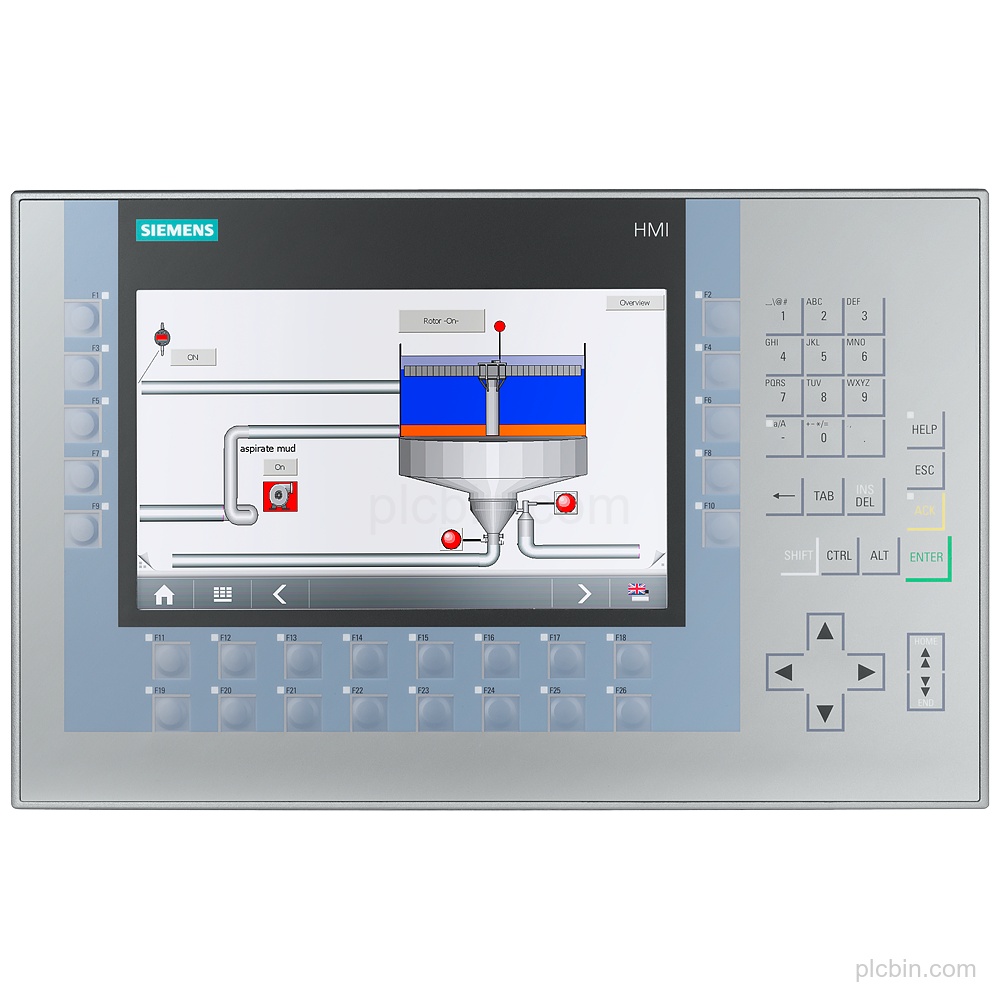
- Display and keys: 12.1 in TFT display with 1 280 pixel horizontal resolution, 800 pixel vertical resolution, 34 function keys, numeric keyboard, and alphanumeric keyboard similar to a mobile phone.
- Power supply: DC supply with rated value 24 V and permissible range 19.2 V to 28.8 V; typical active power input is 20 W.
- Communication interfaces: 1 industrial Ethernet interface with 2 switch ports, 1 RS 422 interface, 1 RS 485 interface combined with RS 422, 2 USB 2.0 interfaces, and 2 SD card slots.
- Protocols and software: Supports PROFINET, PROFINET IO, PROFIBUS, EtherNet/IP, MPI, TCP/IP, DHCP, SNMP, DCP, LLDP, and MODBUS. WinCC Comfort, WinCC Advanced, and WinCC Professional (TIA Portal) are supported from V11.
- Mounting and protection: Vertical mounting is supported, landscape mounting is possible, and maximum permissible inclination without external influence is 35°. Protection is IP65 at the front and IP20 at the rear.
Applications
- Message and alarm handling: Provides message indication, alarm classes, bit messages, analog messages, acknowledgment groups, and an alarm view.
- Process value interaction: Supports process value display and process value input, with I/O fields, graphic I/O fields, and symbolic I/O fields.
- Recipe management: Provides recipe management with 300 recipes, 500 data records per recipe, and 1 000 entries per data record.
Technical Summary
| Product name | 6AG1124-1MC01-4AX0 |
|---|---|
| Product type | SIPLUS KP1200 Comfort HMI |
| Based on | 6AV2124-1MC01-0AX0 |
| Product lifecycle | Announcement of product phase-out |
| Display | 12.1 in TFT; 1 280 pixel x 800 pixel |
| Function keys | 34; keys with LEDs |
| Supply | 24 V DC; permissible range 19.2 V to 28.8 V |
| Interfaces | 1 industrial Ethernet with 2 switch ports; 1 RS 422; 1 RS 485; 2 USB 2.0; 2 SD card slots |
| Protocols | PROFINET, PROFIBUS, EtherNet/IP, MPI, TCP/IP, DHCP, SNMP, DCP, LLDP, MODBUS |
| Mounting | Vertical; landscape format possible; maximum inclination 35° |
| Protection | IP65 at the front; IP20 at the rear |
Frequently Asked Questions
What exact HMI model is 6AG1124-1MC01-4AX0?
It is a Siemens SIPLUS KP1200 Comfort HMI based on 6AV2124-1MC01-0AX0, with conformal coating.
What display and keypad configuration should be confirmed?
The unit has a 12.1 in TFT display, 34 function keys with LEDs, a numeric keyboard, and an alphanumeric keyboard similar to a mobile phone. It is without touch operation.
Which interfaces and protocols are supplied?
It has 1 industrial Ethernet interface with 2 switch ports, RS 422, RS 485 combined with RS 422, 2 USB 2.0 interfaces, and 2 SD card slots. Supported protocols include PROFINET, PROFIBUS, EtherNet/IP, MPI, TCP/IP, DHCP, SNMP, DCP, LLDP, and MODBUS.
What mounting and protection details should be checked?
Mounting is vertical, landscape format is possible, and the maximum permissible inclination without external influence is 35°. Protection is IP65 at the front and IP20 at the rear.
What lifecycle information is available for this part?
The supplied lifecycle information is Announcement of product phase-out. Confirm the required quantity, destination, condition preference, and requested date when submitting a verification inquiry.