

Product Description
Key Features
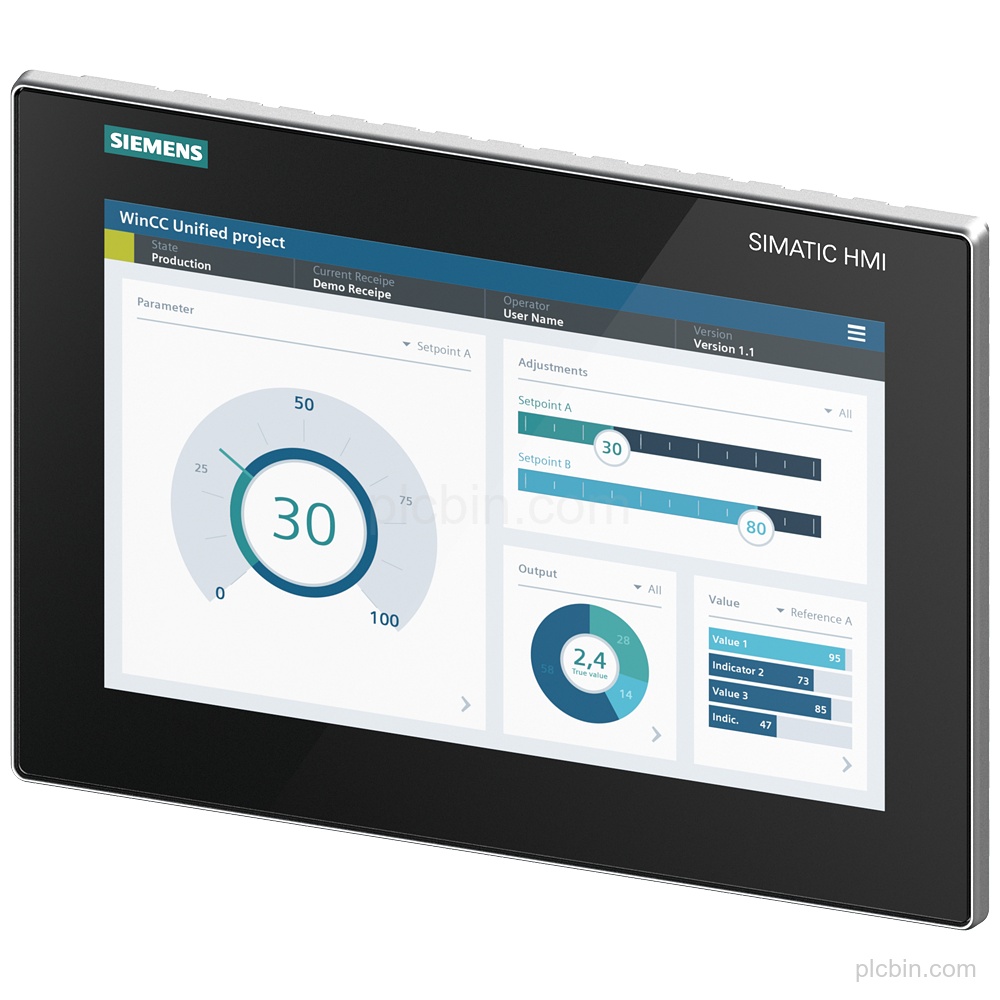
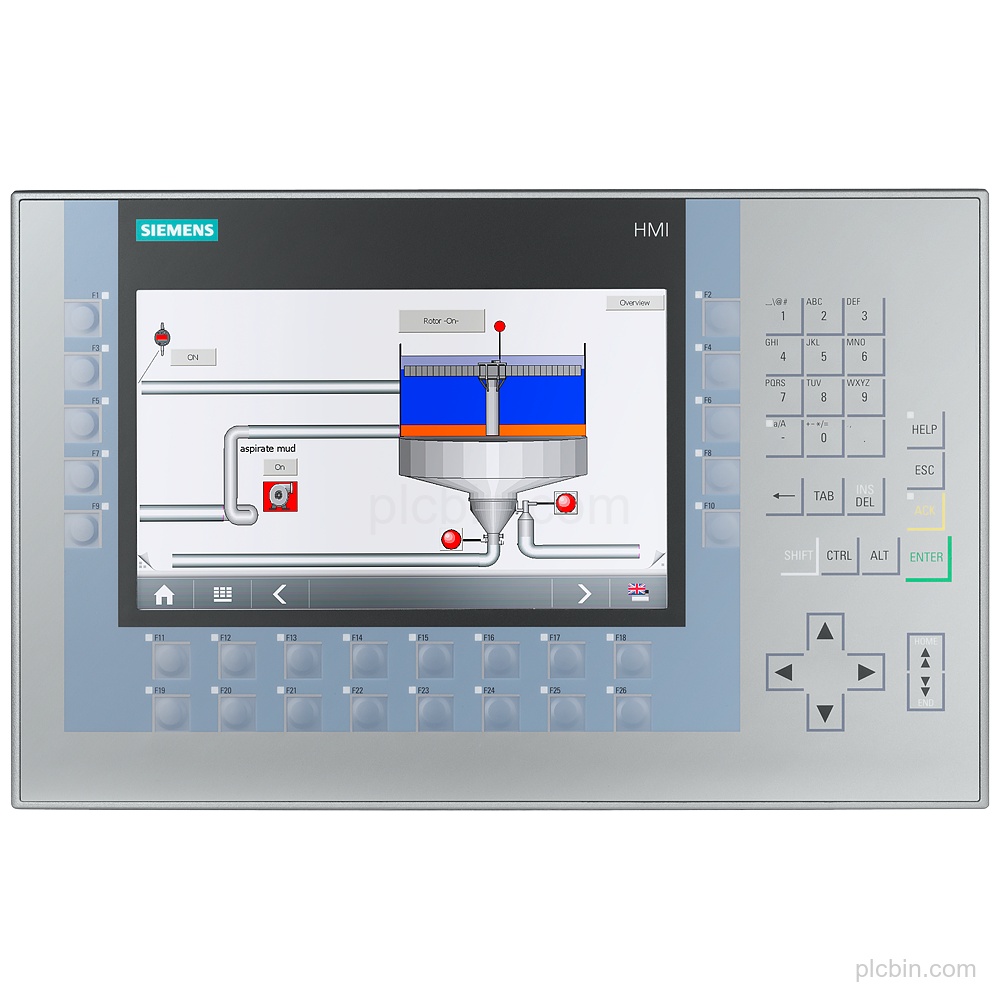
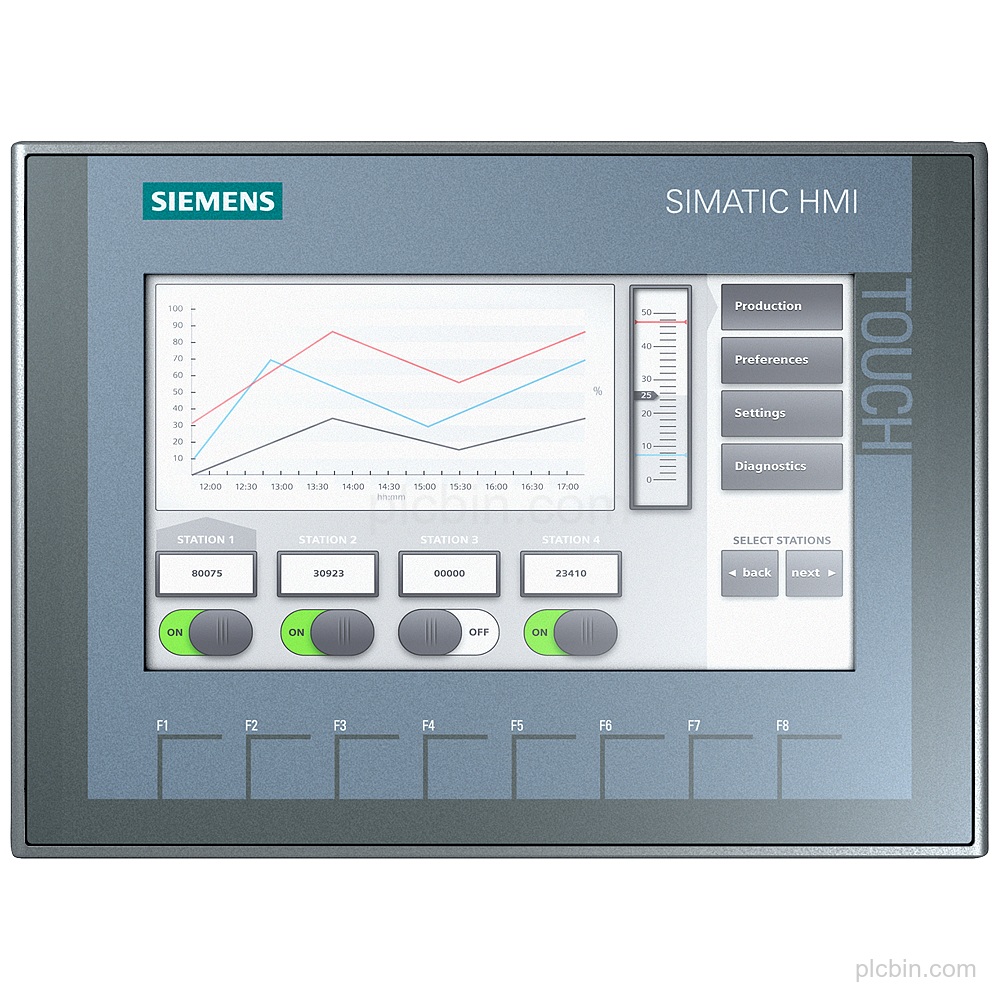
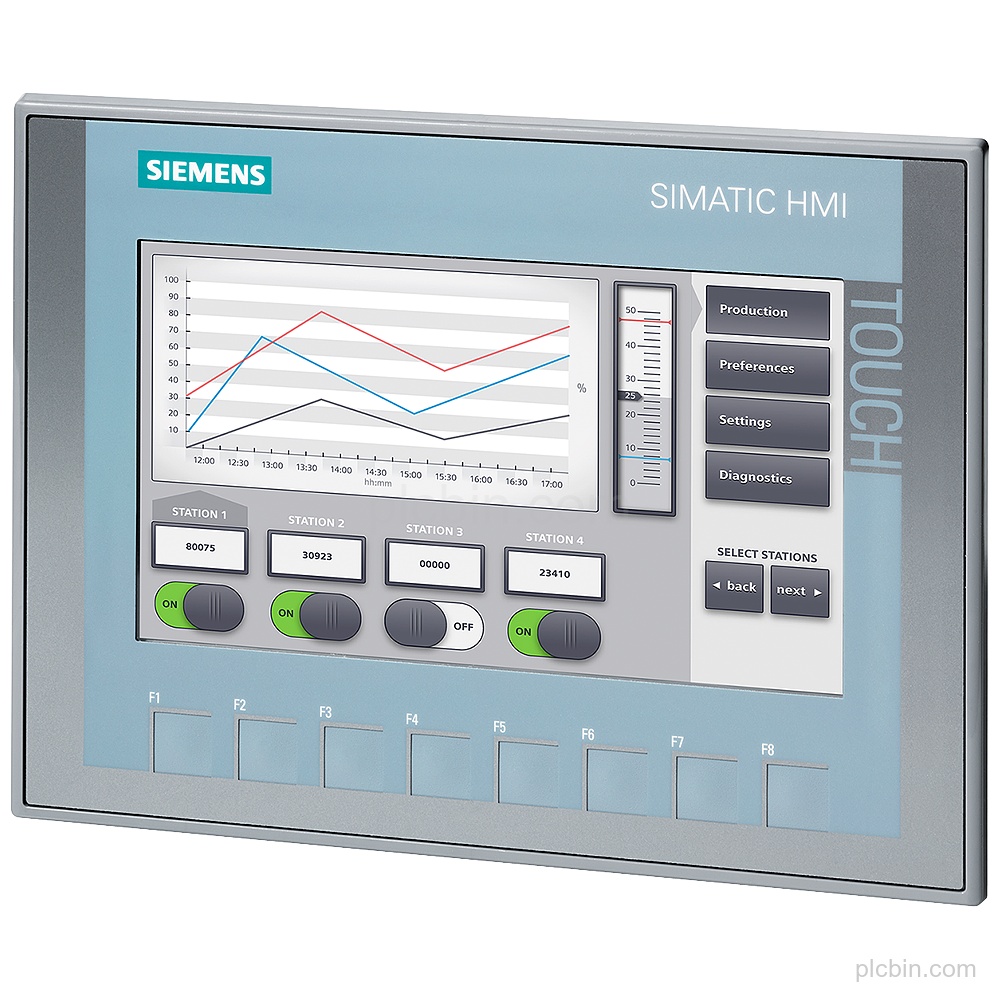
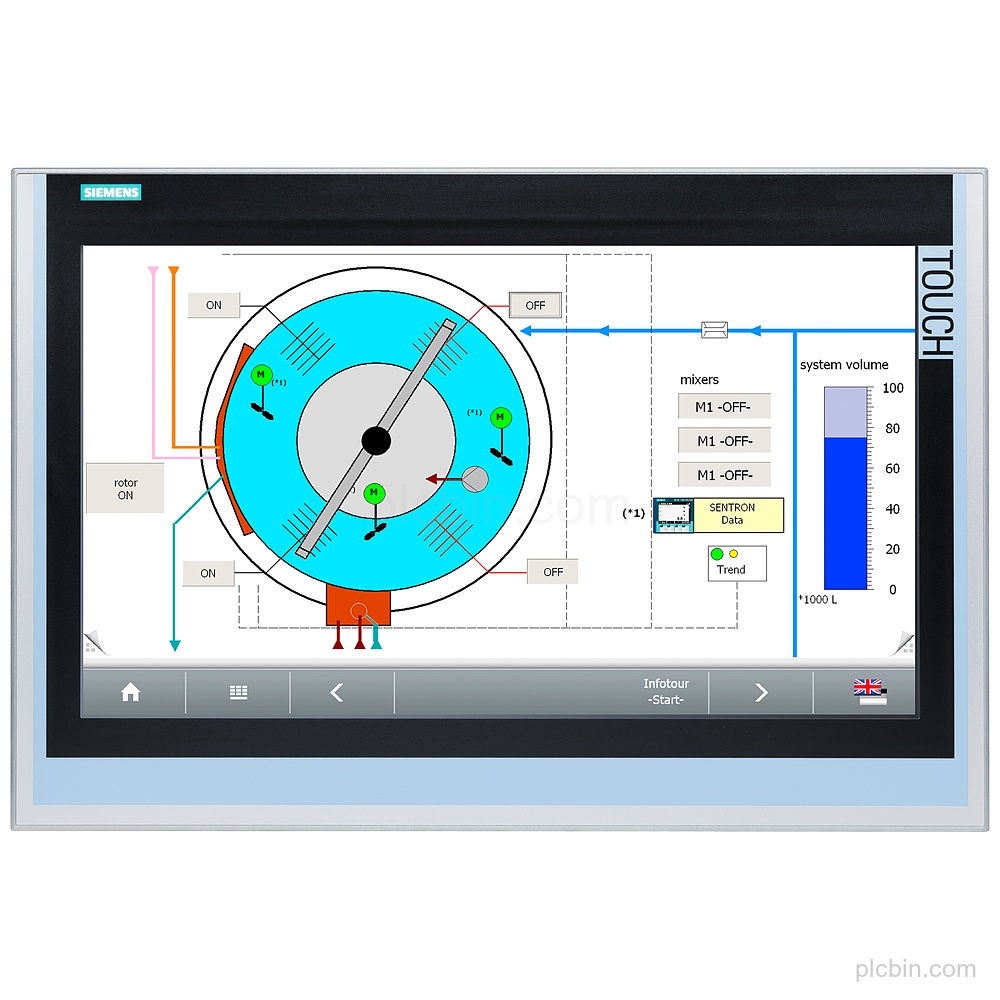
- Exact panel identity: SIPLUS HMI TP2200 Comfort based on 6AV2124-0XC02-0AX1, with touch operation and conformal coating.
- Widescreen display: 22" widescreen TFT display with 16 million colors and 1 920 × 1 080 pixel resolution.
- Interfaces and protocols: 2 industrial Ethernet interfaces with a 2-port integrated switch and independent port, 1 combined RS 422 / 485 interface, 2 USB 2.0 interfaces, PROFINET, PROFIBUS and EtherNet/IP.
- Supply and memory: 24 V DC rated supply with a permissible range of 19.2 V to 28.8 V, 24 Mbyte memory available for user data and 24 MB configuration memory.
- Mounting and protection: Vertical mounting, portrait or landscape format, maximum permissible inclination angle of 35° without external ventilation, IP65 at the front and IP20 at the rear.
- Lifecycle data: Product lifecycle: Announcement of product phase-out.
Applications
- Process value display: The panel supports process value display as an output.
- Alarm system: The panel supports an alarm system including buffer and acknowledgment.
- Recipe management: The panel supports recipe management.
Technical Summary
| Product type | TP2200 Comfort |
|---|---|
| Based on | 6AV2124-0XC02-0AX1 |
| Display | 22" widescreen TFT, 16 777 216 colors, 1 920 × 1 080 pixel |
| Touch operation | Yes; Analog-resistive |
| Supply | 24 V DC; permissible range 19.2 V to 28.8 V |
| Configuration memory | 24 MB |
| Interfaces | 2 industrial Ethernet; 1 RS 422 / 485 combined; 2 USB 2.0; 2 SD card slots |
| Protocols | PROFINET, PROFIBUS, EtherNet/IP, MPI, TCP/IP, DHCP, SNMP, DCP, LLDP |
| Mounting | Vertical; portrait and landscape format; maximum inclination angle 35° without external ventilation |
| Protection | IP65 at the front; IP20 at the rear |
| Operating temperature | 0 °C to 45 °C for vertical installation; 0 °C to 40 °C at maximum tilt angle |
| Lifecycle | Announcement of product phase-out |
Frequently Asked Questions
What order number should be confirmed for this HMI?
Confirm the complete nameplate order number: 6AG1124-0XC02-4AX1.
Which configuration software versions are supported?
WinCC Comfort (TIA Portal), WinCC Advanced (TIA Portal) and WinCC Professional (TIA Portal) are supported from V14 SP1 HSP and higher.
Which interfaces should be checked against the installed panel?
Check the 2 industrial Ethernet interfaces, 1 combined RS 422 / 485 interface, 2 USB 2.0 interfaces, 2 SD card slots and the MPI/PROFIBUS DP interface.
What mounting and protection details should be verified?
Verify vertical mounting, portrait or landscape format, the 35° maximum inclination angle without external ventilation, IP65 at the front and IP20 at the rear.