

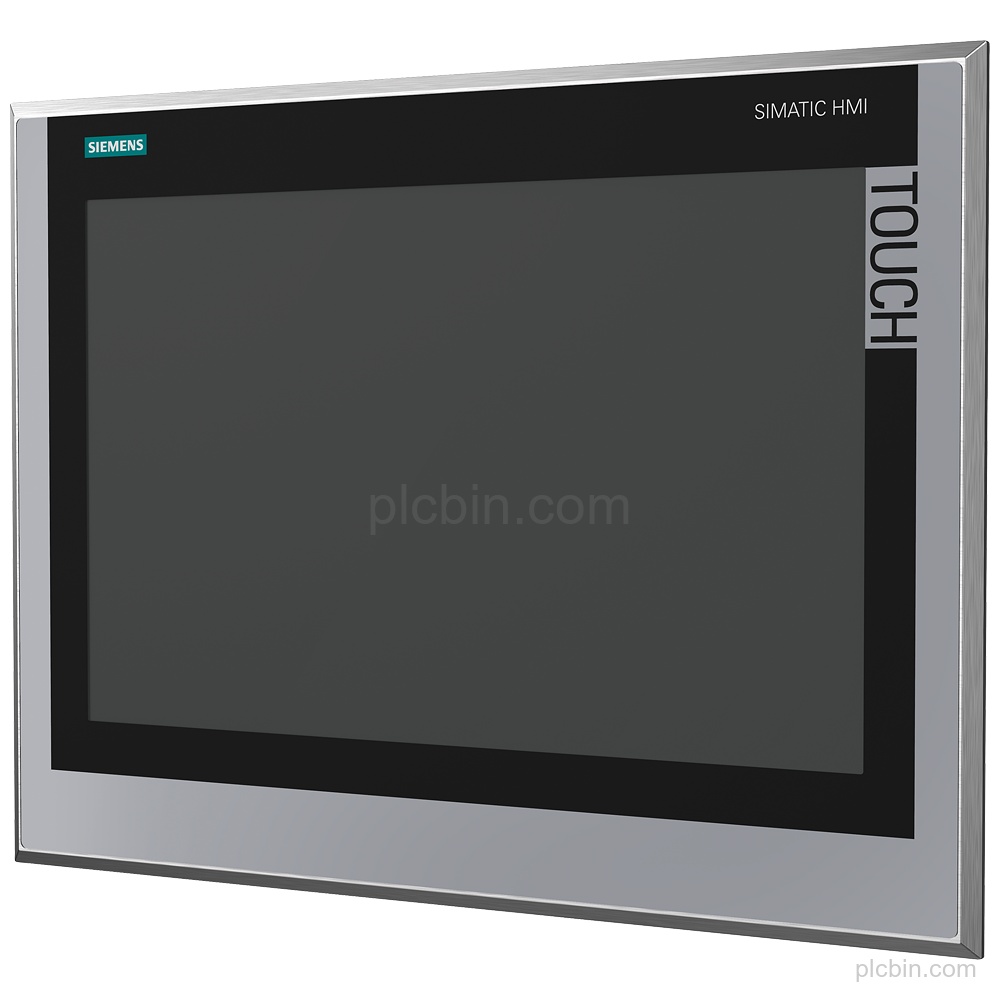
Product Description
Key Features
- Panel identity and configuration: Product type designation: TP1500 Comfort INOX. Stainless steel front with continuous decorative film; spare part configuration.
- Display and touch operation: 15.4 in TFT display with 1 280 pixel horizontal resolution, 800 pixel vertical resolution, 16 777 216 colors and capacitive touch operation.
- Interfaces and protocols: 2 industrial Ethernet interfaces with 2 ports on an integrated switch plus 1 independent port; 1 combined RS 422 / 485 interface, 2 USB 2.0 interfaces and 2 SD card slots. Supports PROFINET, PROFIBUS, EtherNet/IP and MPI.
- Supply and memory: DC supply with rated value 24 V and permissible range 19.2 V to 28.8 V. Current consumption rated value: 1.7 A; memory available for user data: 24 Mbyte.
- Mounting and protection: Vertical mounting; portrait and landscape formats are possible. Maximum permissible angle of inclination without external ventilation: 35°. Protection: IP66K at the front and IP20 at the rear.
- Firmware and lifecycle: Windows CE 2013; configurable as of WinCC Comfort V14 SP1 with HSP. Product lifecycle: start of final year of support.
Technical Summary
| Product type designation | TP1500 Comfort INOX |
|---|---|
| Display | 15.4 in TFT, 1 280 pixel x 800 pixel, 16 777 216 colors |
| Touch operation | Capacitive touchscreen |
| Industrial Ethernet | 2; 2 ports (switch) + independent port |
| Interfaces | 1 RS 422 / 485 combined, 2 USB 2.0, 2 SD card slots |
| Protocols | PROFINET, PROFIBUS, EtherNet/IP, MPI |
| Supply voltage | DC, rated value 24 V; permissible range 19.2 V to 28.8 V |
| User-data memory | 24 Mbyte |
| Mounting | Vertical; portrait and landscape formats possible |
| Protection | IP66K front; IP20 rear |
| Software | Windows CE 2013; configurable as of WinCC Comfort V14 SP1 with HSP |
| Lifecycle | Start of final year of support |
Frequently Asked Questions
What order number identifies this Siemens panel?
The exact order number is 6AV2144-8QC10-0AA1, with product type designation TP1500 Comfort INOX.
Which display and touch configuration does 6AV2144-8QC10-0AA1 have?
It has a 15.4 in TFT display with 1 280 pixel x 800 pixel resolution, 16 777 216 colors and capacitive touch operation.
Which interfaces and protocols are supplied?
It has 2 industrial Ethernet interfaces, 1 combined RS 422 / 485 interface, 2 USB 2.0 interfaces and 2 SD card slots. Supported protocols include PROFINET, PROFIBUS, EtherNet/IP and MPI.
What mounting and protection details should be confirmed?
Mounting is vertical, with portrait and landscape formats possible. The maximum permissible angle of inclination without external ventilation is 35°; protection is IP66K at the front and IP20 at the rear.
What lifecycle information is available for this configuration?
Product lifecycle data states: start of final year of support. Confirm the required quantity, destination and condition preference for a part inquiry.